
In today’s visually-driven landscape, photo editing software has emerged as an indispensable tool for a wide range of users, from casual smartphone enthusiasts to serious photographers seeking professional-grade precision. Given the myriad options available, selecting the best photo editing software can be a daunting task. This article examines various types of photo editing software, comparing both free and paid options, while highlighting the leading contenders for 2025, such as Adobe Photoshop and Luminar Neo. Additionally, it offers strategies for optimizing the editing experience and provides insights into emerging trends that are shaping this dynamic field. Regardless of whether one is a beginner or an advanced user, this guide aims to facilitate navigation through the expansive realm of photo editing software with simplified tools and powerful AI features.
Table of Contents
Key Takeaways:
- Free vs. paid: In 2025, free photo editing software will continue to be a viable option for basic editing needs, but paid software will provide more advanced capabilities and professional results.
- Factors to consider: When choosing photo editing software, factors like budget, skill level, and desired features should be taken into account to ensure the right fit for your specific needs.
- Future trends: In the future, photo editing software is expected to incorporate more AI te
What is Photo Editing Software?
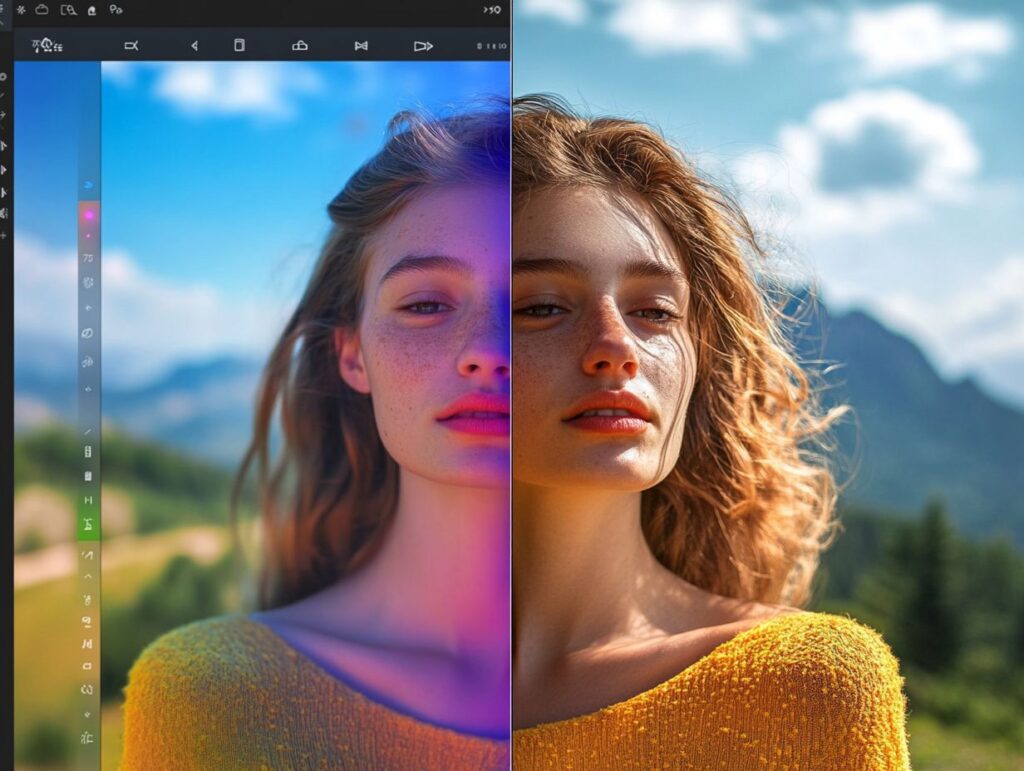
Photo editing software is an essential tool for both photography enthusiasts and professional photographers seeking to enhance their images with precision comparable to that of professional-grade outputs using advanced AI-driven tools and photo editing functionality. This software generally provides a comprehensive array of editing tools suitable for users of all skill levels, from beginners to advanced practitioners, allowing for effective manipulation of photographs. According to Adobe Photoshop’s Wikipedia page, Photoshop is one of the most prominent tools in this domain, demonstrating how AI features are integrated to streamline complex editing tasks.
With the incorporation of innovative AI features and advanced functionalities, these applications support a wide range of tasks, from fundamental enhancements to intricate adjustment workflows. They are designed to ensure a user-friendly interface, making photo editing accessible to individuals at various levels of expertise, including beginner friendly tools and technical capabilities.
The primary functions of photo editing software encompass:
- cropping
- color correction
- retouching
- the application of various filters or effects that creatively modify the visual presentation of images
Users can also benefit from diverse features such as layer management, masking tools, and text overlays, which cater to artistic aspirations in portrait photography and social media for photographers.
The importance of AI integration in contemporary software solutions cannot be overstated, as it simplifies labor-intensive tasks such as object removal or background replacement. This acceleration of the editing process enables photographers to concentrate on their creative vision.
The software serves a broad spectrum of users, ranging from casual Instagram users aiming to enhance their photos to professional photographers requiring robust functionality and photo manipulation tools for client projects.
Types of Photo Editing Software
When examining the various types of photo editing software available, users will encounter a diverse array of options designed to meet different needs and skill levels, ranging from free tools to premium photo editing solutions that offer advanced features and extensive range of RAW formats.
Free software typically provides simplified tools that are user-friendly for beginners, while paid options generally include professional-grade features and cutting-edge AI features, thereby facilitating an accessible experience for users seeking to enhance their photography skills. For context, an in-depth review by CNET explores some of the best free and paid photo editing apps available, highlighting the diverse functionalities they offer.
Recognizing the distinctions between these two categories enables individuals to make informed decisions based on their specific editing requirements.
Free vs. Paid Software
When evaluating the choice between free and paid software for photo editing, it is crucial to assess the advantages and disadvantages of each option to determine which best aligns with your requirements.
Free software often serves as an excellent entry point for beginners, providing accessible editing tools and functionalities without any financial obligation. Conversely, paid software typically offers more advanced features, including AI-driven tools and professional-grade precision, making it a valuable investment for serious photographers who seek comprehensive editing capabilities.
For example, widely used free tools such as GIMP and RawTherapee are proficient in basic editing tasks, enabling users to perform operations such as cropping and color adjustment with ease. In contrast, premium options like Adobe Lightroom and Photoshop not only incorporate extensive libraries of filters and presets but also facilitate seamless integration with other applications, thereby enhancing workflow efficiency for professionals.
The target audiences for these software options vary significantly; casual users may find satisfaction in free software that adequately fulfills their basic needs, while advanced users and businesses often value the specialized functions, affordable Pro plan, and ongoing support that accompany paid subscriptions and perpetual licenses.
Comparing Features and Capabilities
When evaluating the features and capabilities of photo editing software, it is essential to consider the range of tools, such as collaborative tools, and the flexibility they provide for editing processes. Many contemporary applications, such as Adobe Photoshop and Luminar Neo, offer advanced features, including sophisticated AI tools for automated enhancements and creative refinements, as well as technical capabilities for processing RAW files.
Non-destructive editing ensures that original images remain unaltered, allowing users to experiment freely within their complex adjustment workflows. These attributes can substantially enhance the photographic experience, giving photographers the power to achieve their desired aesthetic without the concern of permanent alterations.
Software programs like Capture One, Affinity Photo, and DxO PhotoLab also present unique functionalities, including customizable workspaces and advanced color grading options, which cater to specific artistic requirements. According to a comparison by PCMag, Adobe Photoshop and Lightroom provide a comprehensive suite of features that continue to set the standard in the industry.
The integration of AI-driven features further streamlines repetitive tasks, rendering automated enhancements and complex adjustments more intuitive and accessible. As the field of photo editing continues to advance, prioritizing these fundamental elements will undoubtedly enhance creative expression and satisfaction for both amateur and professional photographers.
Top Photo Editing Software in 2025
As we approach 2025, the landscape of leading photo editing software is continually evolving, with applications such as Capture One, Adobe Photoshop, and Lightroom maintaining their status at the forefront of popularity and performance.
These software solutions are consistently recognized for their comprehensive features, intuitive user interfaces, and cutting-edge AI features, which effectively serve both photography enthusiasts and professional photographers with an interactive editing experience.
Evaluations of these programs frequently emphasize their robust image transformation capabilities and their versatility in addressing a wide range of editing requirements.
Ranking and Reviews of Popular Software
The ranking and reviews of popular photo editing software are critical for photographers seeking to select the appropriate tools for their editing requirements. Applications such as Luminar Neo, Polarr, Darktable, and Skylum are frequently recognized for their distinctive features and performance.
Given the essential role these tools play in the post-production process, understanding their functionality in comparison to one another can significantly impact a photographer’s decision-making within the photo editing community. User reviews often highlight the importance of intuitive interfaces and comprehensive editing options that cater to both novice and experienced professionals, providing great value for money.
Many of these applications now incorporate cutting-edge AI features, enabling users to enhance images efficiently and effectively. Expert opinions frequently advise considering the software’s compatibility with various operating systems and its capacity to manage different file formats, thus ensuring a seamless editing experience.
By thoroughly examining these resources, photographers can refine their selections and consequently enhance their overall creative output.
Choosing the Right Software for Your Needs
Selecting the appropriate photo editing software necessitates careful evaluation of several factors, including an individual’s skill level, editing objectives, and the specific features required.
For beginners, it may be advantageous to choose user-friendly tools that offer a simplified experience. In contrast, professional photographers typically seek professional-level features and technical capabilities to attain precise results.
Furthermore, understanding the preference for a subscription model versus a lifetime licence can substantially impact the decision-making process.
Considerations and Factors to Keep in Mind
When evaluating which photo editing software to utilize, several factors play a significant role in shaping the overall editing experience. One critical consideration is the software’s capacity for seamless mobile-to-desktop integration, which facilitates efficient mobile apps editing across various devices.
The availability of collaborative tools can also provide a substantial advantage for teams or individuals seeking to share and refine creative projects collectively.
Users should carefully assess device compatibility to determine whether the software can operate effectively on their preferred platforms, including Windows, macOS, or mobile devices.
Additionally, the inclusion of advanced AI-driven tools merits consideration, as these features can streamline the editing process by automating tasks such as background removal or filter application. Such capabilities not only save time but also enhance creativity by suggesting edits or improving image quality.
Finally, subscription and perpetual pricing models, trial options, and customer support services are crucial elements to evaluate; potential users should examine these aspects to ensure they select a solution that aligns with both their budgetary constraints and workflow requirements.
Tips for Using Photo Editing Software
To optimize the use of photo editing software, it is crucial to employ effective strategies and techniques that enhance the functionality of the available tools and features.
Becoming acquainted with advanced AI-driven tools can greatly improve editing efficiency, facilitating fast edits and offering professional-grade features that streamline workflows.
Furthermore, utilizing technical capabilities such as non-destructive editing and RAW files processing can afford greater creative freedom when refining images.
Maximizing the Tools and Features
Maximizing the tools and features of photo editing software necessitates a comprehensive understanding of its user-friendly interface alongside the powerful AI functionalities it provides. By thoroughly exploring the full range of editing tools, including photo manipulation options and automated enhancements, users can significantly enhance their editing experience and achieve impressive results.
Dedicating time to learn about advanced features will give the power to individuals to execute complex adjustment workflows with professional-grade precision.
Furthermore, it is essential to become well-acquainted with shortcuts and customizable settings that can enhance overall efficiency. Utilizing tutorials and engaging in community forums can provide valuable insights into innovative techniques and workflows successfully implemented by others.
Leveraging the software’s built-in AI capabilities, such as intelligent object detection and automatic color correction, can streamline labor-intensive processes, thereby allowing for greater creative freedom.
Practicing various editing methods, from fundamental adjustments to intricate composite techniques, leveraging image editing apps will not only foster confidence but also refine one’s artistic vision, ultimately resulting in stunning photographic outcomes.
Future of Photo Editing Software
Open-source software solutions such as GIMP, RawTherapee, and Zoner Photo Studio offer diverse options for photo enthusiasts, allowing them to edit on Mac, Windows, and Linux platforms.
The future of photo editing software presents significant opportunities, with predictions and trends indicating a sustained integration of advanced AI features and enhancements that are set to transform the editing landscape.
As technology progresses, we can anticipate the emergence of more powerful tools that streamline complex adjustment workflows while offering photographers unparalleled control over their images.
Additionally, the demand for mobile editing applications like Luminar Neo, Capture One, and Polarr is expected to increase, enabling users to edit conveniently while maintaining high-quality results and functionality.
Predictions and Trends for 2025 and Beyond
As we look toward 2025 and beyond, several emerging predictions and trends in the field of photo editing software are poised to significantly influence the industry.
One prominent trend is the increasing adoption of collaborative tools, which will facilitate seamless cooperation among photographers and creatives, thereby enhancing the editing process. The ongoing development of robust photo editing solutions, particularly those focused on processing RAW files and delivering user-friendly experiences, will transform how both enthusiasts and professionals engage with their craft.
These advancements are expected to introduce innovative features such as real-time editing sessions and cloud-based storage, simplifying the sharing and critique of work among users. The integration of artificial intelligence will further streamline processes like object removal and skin retouching, enabling photographers to concentrate on their artistic vision rather than routine adjustments.
Consequently, tools designed for beginners will become more intuitive, incorporating guided tutorials and AI-driven suggestions to promote effective learning. Concurrently, experienced photographers will gain access to advanced functionalities that provide greater control and customization, ensuring that the software accommodates diverse skill levels and creative aspirations.









