
In today’s fast-paced business environment, ERP-Enterprise Resource Planning-serves as the backbone for integrating fragmented business processes and optimizing supply chains. As the Gartner Group emphasizes in its Magic Quadrant reports, a well-implemented ERP system can transform organizational efficiency for organizations of all sizes. This beginner’s guide breaks down ERP fundamentals, from its core purpose and key modules to benefits, challenges, and adoption strategies, equipping you with actionable insights to drive your business forward.
Table of Contents
Key Takeaways:
- ERP, or Enterprise Resource Planning, is a software system that integrates core business processes like finance, HR, and supply chain into a unified platform, enabling real-time data management and streamlined operations for organizations.
- Implementing ERP boosts efficiency and productivity by automating tasks, reducing errors, and providing real-time insights, ultimately helping businesses make informed decisions and improve overall performance.
- Key ERP modules include finance for accounting, HR for employee management, and supply chain for inventory and logistics, forming the backbone of integrated enterprise operations.
What Is ERP?
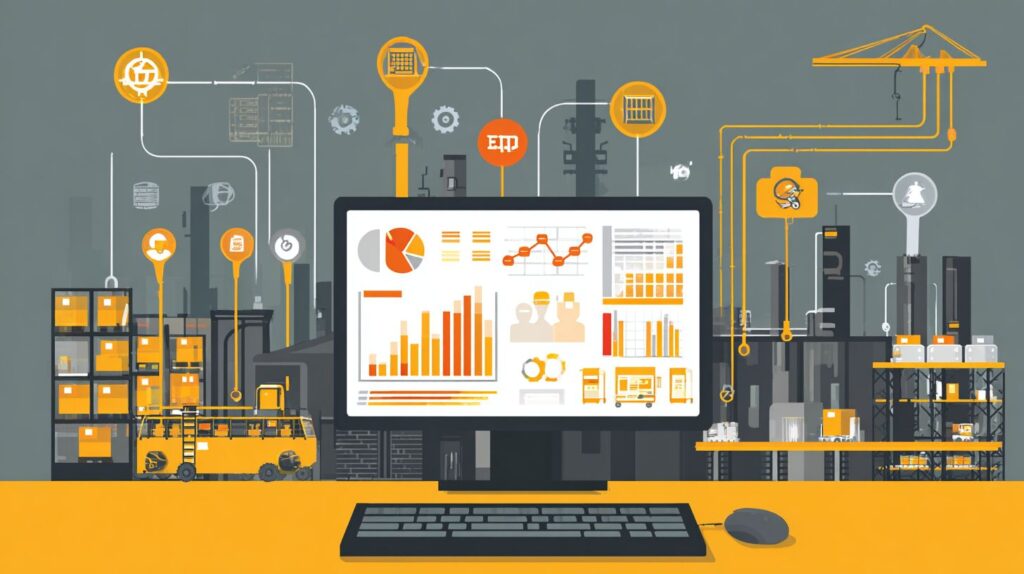
Enterprise Resource Planning (ERP) constitutes a centralized platform that integrates disparate business processes into a unified system for real-time operation. This technology is adopted by more than 70% of mid-to-large enterprises worldwide.
Definition and Core Purpose
An Enterprise Resource Planning (ERP) system is defined as integrated software that manages and automates core business processes through a centralized common database. This concept originated from Material Requirements Planning (MRP) principles in the 1960s, aimed at optimizing inventory and production efficiency.
The evolution of ERP can be traced further to Ford Whitman Harris’s 1913 Economic Order Quantity (EOQ) model, which minimized inventory costs via precise mathematical calculations and laid the foundation for MRP’s emphasis on demand-driven planning. In contemporary applications, ERP systems streamline operations across key areas such as finance, human resources, and supply chain management, often integrating Artificial Intelligence (AI) and Internet of Things (IoT), delivering enhanced efficiency and real-time analytical insights.
The core components of an ERP system include:
- A centralized data repository that unifies information sources, thereby improving data accuracy and reducing errors by up to 50%, as evidenced by Deloitte studies;
- Process automation capabilities, such as optimizing order processing to decrease fulfillment times by 30%;
- Scalability to accommodate business growth, enabling the seamless addition of modules as organizational needs evolve.
Common challenges in ERP implementation involve underestimating the complexities of integrating with legacy systems, which frequently results in project delays. Initial setups typically require 3 to 6 months and benefit from a solid implementation strategy, ERP services, and consultation with subject matter experts such as the Maven Group in Hyderabad.
Key Functions of ERP Systems
Enterprise Resource Planning (ERP) systems provide essential functionalities, including financial accounting, procurement, and customer relationship management. Implementations of ERP vendors like SAP, for example, have demonstrated a 35% acceleration in project management cycles among manufacturing firms.
Users of QAD ERP in supply chain environments exemplify these capabilities across six core functions, as outlined below:
- Financials: ERP systems automate accounting reconciliation processes. For instance, an electronics distributor leveraged Oracle integration to reduce month-end closing periods from 10 to 3 days, as documented in QAD case studies.
- Procurement: The system supports automated vendor bidding procedures. A food supplier employing QAD manages $5 million in annual contracts through this mechanism, achieving a 15% reduction in costs.
- Project Management: Integration with Gantt charts via Microsoft Dynamics 365 enables aerospace teams to monitor assembly timelines precisely, resulting in a 20% decrease in delays.
- CRM: Real-time dashboards facilitate lead tracking; logistics firms utilize these to oversee more than 1,000 prospects monthly, thereby expediting conversion rates.
- Risk Management: Automated alerts for compliance violations are issued, allowing a pharmaceutical supply chain to prevent $100,000 in fines through early detection of hazards.
- Regulatory Compliance: SOX-compliant audit trails are maintained, enabling chemical manufacturers to ensure full traceability during FDA audits in accordance with U.S. regulations.
History of Enterprise Resource Planning
The ERP history of Enterprise Resource Planning (ERP) can be traced back to 1913, when Ford Whitman Harris developed the Economic Order Quantity (EOQ) formula. This foundational concept for inventory optimization was subsequently adopted by Black and Decker in the 1960s.
This framework evolved into Material Requirements Planning (MRP), which enhanced manufacturing efficiency. During the 1970s and 1980s, MRP II further expanded to incorporate financial and human resources functions, significantly transforming operations.
For instance, at IBM, implementation of MRP II resulted in a 40% reduction in inventory costs and shortened production cycles from weeks to days, as documented in a 1985 IBM case study.
In the 1990s, Gartner formally coined the term “ERP” to describe client-server systems such as SAP R/3. Adoption rates accelerated, growing by 20% annually, according to Gartner’s 1998 report.
From the 2000s onward, the integration of cloud technology, including Software as a Service (SaaS) models-exemplified by solutions like Oracle Cloud ERP-has facilitated scalable, real-time data access, thereby enhancing global operational efficiency.
Main Components of ERP
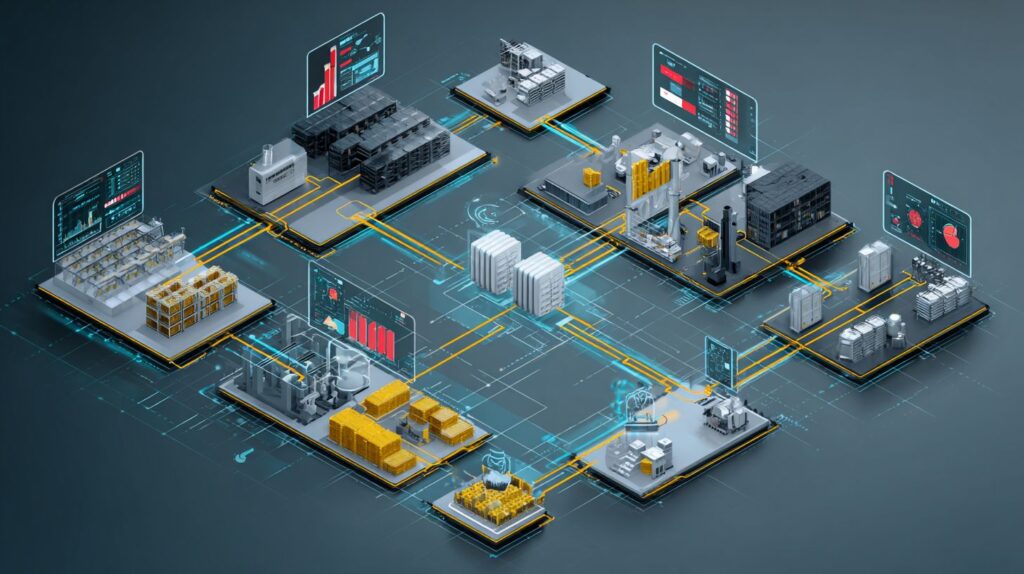
The primary components of Enterprise Resource Planning (ERP) systems include modular software architectures and the supporting infrastructure designed to enable seamless business operations. Deployment options range from on-premise ERP and hybrid ERP to cloud-based ERP, providing flexibility in ERP implementation to meet diverse organizational needs.
Essential Modules (Finance, HR, Supply Chain)
Essential modules of an Enterprise Resource Planning (ERP) system encompass finance for financial accounting, human resources (HR) for personnel management, and supply chain for inventory and warehouse operations. For instance, in Microsoft Dynamics 365, these modules facilitate a 40% improvement in order processing efficiency.
The finance module, exemplified by SAP’s general ledger functionality, automates procurement invoice processing through real-time audits. According to Deloitte studies, this approach reduces reconciliation time by 50%.
To enhance accuracy, organizations can configure automated rules that instantaneously flag discrepancies.
The HR module manages payroll through automated calculations and supports recruitment via applicant tracking systems. It integrates seamlessly with compliance tools such as BambooHR to ensure adherence to regulations like the General Data Protection Regulation (GDPR).
Additionally, establishing predefined workflows enables efficient and streamlined onboarding processes.
In the supply chain domain, the module utilizes Material Requirements Planning (MRP) logic for precise demand forecasting, inventory management, and Warehouse Management Systems (WMS) to optimize Economic Order Quantity (EOQ), thereby minimizing instances of stockouts.
For integrating with APIs, the following Python code snippet can be employed to query current stock levels:
import requests response = requests.get('https://api.dynamics.com/stock?item=123', auth=('key', 'secret')) print(response.json()['current_level'])To ensure a smooth implementation, a phased rollout is recommended: initiate with a pilot of the finance module, followed by HR, and conclude with the supply chain module over a three-month period. This strategy helps mitigate potential downtime and operational disruptions.
Benefits of Implementing ERP
The implementation of Enterprise Resource Planning (ERP) systems delivers substantial benefits, including cost savings, operational cost reductions of 15-20%, improved ROI efficiency, and enhanced decision-making processes. As reported in a 2022 Gartner Group survey, 85% of organizations adopting ERP solutions experienced accelerated business growth.
Improved Efficiency and Productivity
Implementing Enterprise Resource Planning (ERP) systems can enhance efficiency and productivity by 25-30%. Phased rollout strategies within Oracle Fusion Cloud ERP support scalable operations and foster improved collaboration across organizational teams.
According to a Deloitte study, organizations typically achieve a 28% increase in productivity following ERP deployment. For example, a manufacturing firm adopted a streamlined, single-step method for order processing, realizing immediate benefits. With an initial investment of $500,000, the firm generated $1.5 million in savings during the first year through optimized workflows.
To optimize the success of an ERP implementation, adhere to the following four best practices:
- Phased rollout: Deploy the system over a 6- to 12-month period, utilizing Maven Group services to ensure seamless transitions.
- Employee training: Deliver comprehensive two-week training programs to facilitate team adoption and mitigate resistance.
- Customization for scalability: Adapt Oracle Fusion modules to align with evolving business requirements.
- Metrics tracking: Monitor key performance indicators (KPIs), such as cycle time reductions, to evaluate ROI efficiency and return on investment (ROI) and refine operational processes.
Data Integration and Real-Time Insights
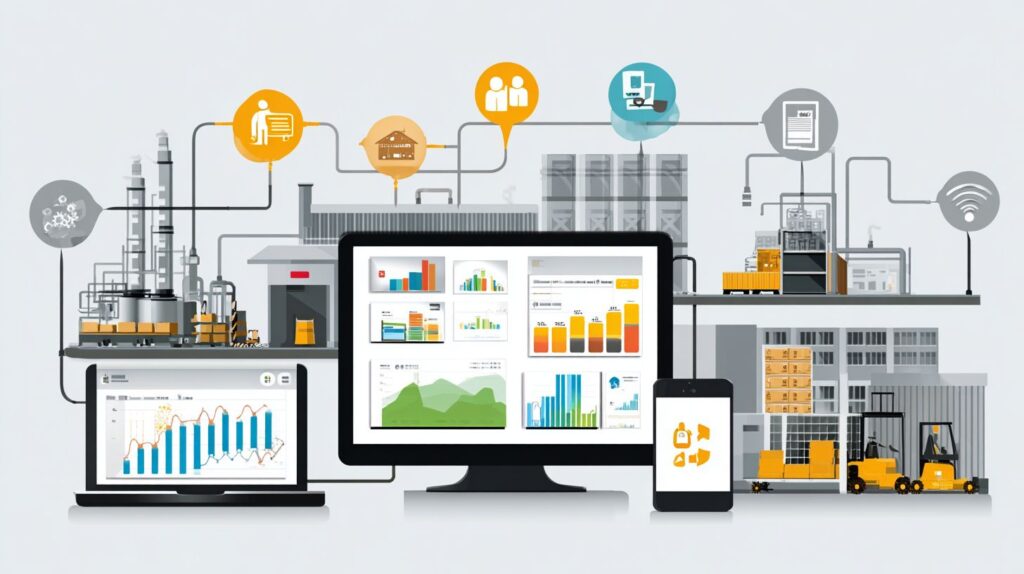
Data integration within Enterprise Resource Planning (ERP) systems achieves 95% accuracy through the use of centralized databases, delivering real-time insights that harness artificial intelligence (AI) and the Internet of Things (IoT) to support predictive decision-making in supply chains, as demonstrated in QAD systems.
This integration consolidates data across key functions-from finance to supply chain-via Application Programming Interfaces (APIs). For example, IoT sensors in warehouse management systems populate real-time dashboards to enable accurate inventory forecasting. A standard implementation costing $200,000 can reduce decision-making delays by 50%, generating annual savings of $800,000 through enhanced analytical insights, according to Gartner research on ERP silos.
For effective implementation, adhere to the following three steps:
- Map data flows using Extract, Transform, and Load (ETL) tools such as Talend, which typically requires 1-2 weeks to identify essential integrations.
- Deploy AI-enabled analytics for forecasting, attaining 85% accuracy by integrating IoT data streams.
- Employ centralized dashboards for ongoing monitoring to produce distinctive insights, mitigating data fragmentation as outlined in Gartner’s 2023 ERP report.
Common Challenges in ERP Adoption
The adoption of Enterprise Resource Planning (ERP) systems introduces significant challenges, including substantial implementation costs typically ranging from $1 million to $5 million, as well as resistance to organizational change. However, through strategic planning and collaboration with specialized firms such as Maven Group in Hyderabad offering ERP services, these risks can be mitigated by up to 40%.
Key challenges encompass the following:
- Cost overruns resulting from failures in single implementation steps, which can be addressed through phased rollouts and the allocation of 20% budget contingencies;
- Data migration errors that lead to duplicates in approximately 30% of instances, mitigated by employing validation tools such as Informatica;
- User resistance, which may cause productivity declines of up to 15%, counteracted by comprehensive 4- to 6-week training programs;
- Integration complexities arising from conflicts with legacy systems, resolved through pre-implementation API audits;
- Compliance risks, including potential violations of regulations such as GDPR, prevented by incorporating built-in audit modules.
In a representative case study, Maven Group assisted a manufacturing firm in Hyderabad in reducing ERP implementation delays by 50%. This was achieved via tailored services that integrated modular training initiatives and phased data synchronization, thereby enabling seamless operational continuity.
Learn more, What is ERP: Definition, benefits, and common challenges.
Types of ERP Systems
Enterprise Resource Planning (ERP) systems are categorized into three primary types: on-premise ERP, cloud ERP (Software as a Service, or SaaS), and hybrid ERP. Prominent ERP vendors such as SAP and Oracle Fusion Cloud ERP maintain a dominant position in the market, with cloud solutions demonstrating a 25% growth rate in 2023, according to research from the Gartner Group.
| Type/Vendor | Deployment | Price Range | Key Features | Best For | Pros/Cons |
|---|---|---|---|---|---|
| On-Premise SAP | On-Premise | $100K+ initial | Customizable modules | Large enterprises | Pros: Full control; Cons: High maintenance |
| Cloud ERP Oracle Fusion | Cloud | $200/user/mo | AI/IoT integration | Scalability needs | Pros: Automatic updates; Cons: Subscription costs |
| SaaS Microsoft Dynamics 365 | SaaS/Cloud | $20-210/user/mo | Real-time CRM | SMBs | Pros: Quick setup; Cons: Limited customization |
| Hybrid QAD | Hybrid | $50K+ | Manufacturing flexibility | Mixed environments | Pros: Best of both worlds; Cons: High complexity |
Cloud-based solutions, such as Oracle Fusion, offer a 30% reduction in total cost of ownership (TCO) over a five-year period compared to on-premise systems like SAP, as indicated by IDC research. This advantage stems from reduced hardware requirements.
Additionally, implementation timelines are significantly shorter for cloud deployments-typically three months, in contrast to twelve months for on-premise installations-enabling a more expeditious return on investment for organizations experiencing growth.
ERP History
ERP history traces the evolution of Enterprise Resource Planning from early concepts like the Economic Order Quantity (EOQ) model developed by Ford Whitman Harris in 1913. Material Requirements Planning (MRP) emerged in the 1960s, with companies such as Black and Decker adopting MRP to improve inventory management. This progressed to MRP II in the 1980s, incorporating capacity planning and laying the foundation for comprehensive ERP systems.
Frequently Asked Questions
What is ERP?
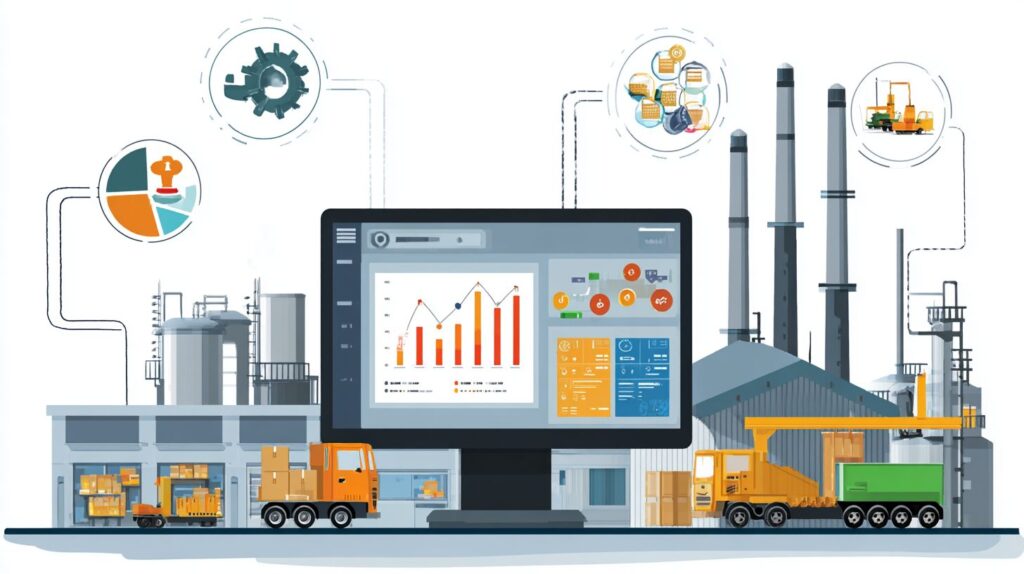
In the context of “What Is ERP? A Beginner’s Guide to Enterprise Resource Planning,” ERP stands for Enterprise Resource Planning. It refers to a type of software system that helps organizations manage and integrate their core business processes, such as finance, human resources, manufacturing, and supply chain, into a unified platform to improve efficiency and decision-making.
Why should beginners learn about ERP?
For those exploring “What Is ERP? A Beginner’s Guide to Enterprise Resource Planning,” understanding ERP is essential because it forms the backbone of modern business operations. Beginners benefit from learning how ERP streamlines data across departments to drive business efficiency, reduces errors, and provides real-time insights for enhanced collaboration, making it a foundational tool for career growth in business management or IT.
What are the key components of an ERP system?
As outlined in “What Is ERP? A Beginner’s Guide to Enterprise Resource Planning,” the key components of an ERP system include modules for financial accounting, inventory management, customer relationship management (CRM), human resources, and procurement. These interconnected modules allow businesses to centralize data and automate workflows for better resource planning.
How does ERP benefit small businesses?
In “What Is ERP? A Beginner’s Guide to Enterprise Resource Planning,” it’s highlighted that ERP benefits small businesses by providing scalable solutions that grow with the company. It reduces operational costs, improves forecasting accuracy, and enhances collaboration without the need for multiple disparate software tools.
What is the difference between ERP and traditional software?
According to “What Is ERP? A Beginner’s Guide to Enterprise Resource Planning,” the main difference between ERP and traditional software is integration. Traditional software often handles isolated tasks, like separate accounting programs, while ERP unifies all functions into one database, eliminating silos and enabling seamless data flow across the enterprise.
How do you implement ERP successfully?
“What Is ERP? A Beginner’s Guide to Enterprise Resource Planning” emphasizes that successful ERP implementation starts with assessing business needs, choosing the right vendor, and involving stakeholders early. Key steps include data migration, user training, and phased rollout to minimize disruptions and maximize return on investment.









