
In the fast-paced digital era, choosing the right networking infrastructure and equipment can make or break your connectivity, whether for a bustling home office or a growing business. IT professionals rely on key components like routers, switches, and hubs to power modern networks. This guide demystifies network devices with real-life examples, from assessing bandwidth needs to evaluating network security features, empowering you to build a reliable, future-proof setup that drives efficiency and productivity in the digital transformation era.
Table of Contents
Key Takeaways:
- Assess your needs first: Evaluate whether it’s for home or business use, considering bandwidth demands and number of devices to ensure the equipment supports your specific requirements.
- Prioritize key features: Look for high speed, wide range, strong security protocols, and compatibility with your devices to optimize performance and protect your network.
- Budget wisely and future-proof: Choose reputable brands and cost-effective, environmentally friendly solutions within your budget, focusing on scalable equipment that can handle future upgrades and technological advancements.
Assessing Your Networking Needs
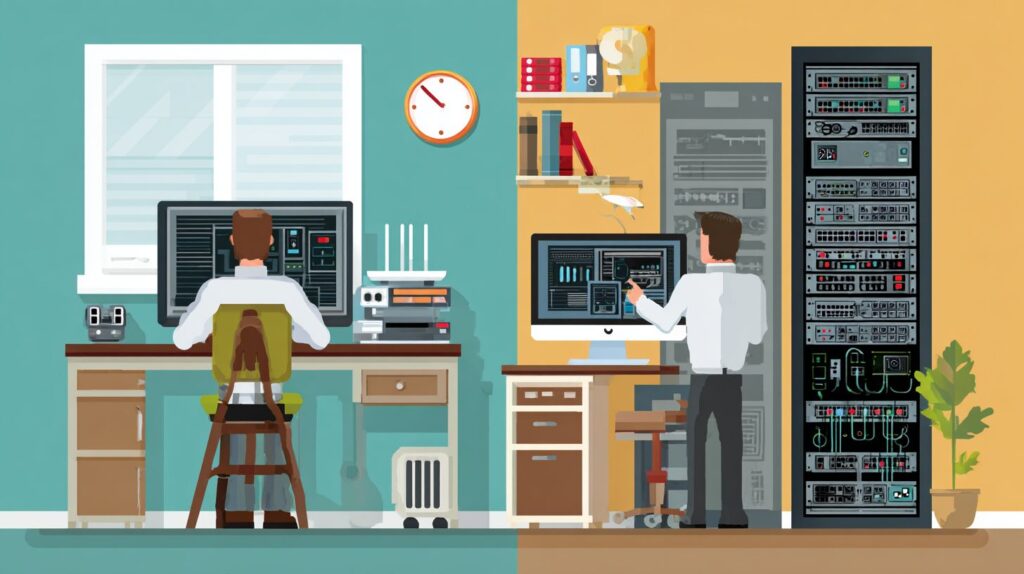
Assessing networking requirements enables the development of customized solutions that adapt seamlessly to evolving environments, thereby mitigating potential bottlenecks in data transmission for both residential and commercial applications.
Home vs. Business Requirements
Residential networks generally require basic routers, such as those in the TP-Link Archer series or refurbished network equipment from CXtec offering lifetime warranty and out-of-box reliability, to support wired connections and wireless connections in local networks for 10 to 20 devices, whereas commercial environments necessitate enterprise-grade switches from providers like Cisco to manage over 100 users handling sensitive data.
| Aspect | Residential | Commercial | Examples | Cost Range |
|---|---|---|---|---|
| Device Count | 5-15 | 50+ | Residential: Smart home devices; Commercial: Workstations and servers | Residential: $50-150; Commercial: $500-2,000 |
| Security Requirements | Basic WPA3 | VLANs and firewalls | Residential: Password protection; Commercial: Network segmentation in accordance with Cisco guidelines | Residential: Included; Commercial: $200-1,000 add-ons |
| Scalability | Plug-and-play | Managed with PoE | Residential: Straightforward Wi-Fi extension; Commercial: Modular expansion through solutions from Ubiquiti or Dell | Residential: $100-300; Commercial: $1,000+ |
For example, a home office may employ the Ubiquiti UniFi Dream Machine (priced under $200) to support hybrid work arrangements, facilitating uninterrupted Zoom sessions.
In comparison, a retail operation might deploy the Dell PowerSwitch for point-of-sale (POS) integration with solutions like Square (exceeding $1,000), which delivers 30% faster transaction speeds, as reported in a 2022 Gartner study on network return on investment (ROI).
To pursue an upgrade, evaluate your network devices using analytical tools such as Wireshark to conduct thorough traffic analysis, while implementing configuration management, patch management, and proactive maintenance.
Bandwidth and Device Considerations
To determine bandwidth requirements, multiply the number of devices by their anticipated usage.
For instance, with 10 IoT devices streaming 4K video, target a minimum throughput of 1 Gbps, achievable through the implementation of Gigabit Ethernet network interface cards.
To conduct a thorough assessment of your network, adhere to the following structured steps:
- Conduct an inventory of all devices and allocate bandwidth based on device type. Employ Wireshark for monitoring purposes, assigning, for example, 100 Mbps to laptops and 25 Mbps to smart TVs.
- Evaluate current usage via Speedtest.net, maintaining utilization below 80% to prevent bottlenecks.
- Account for future expansion by incorporating a 50% buffer to accommodate emerging devices.
Common challenges include overlooking MAC address conflicts, which may result in up to 20% packet loss; address this by configuring DHCP reservations within your router settings.
According to a 2022 IEEE study on home networks, appropriate bandwidth provisioning can reduce latency by 40%, thereby enhancing streaming performance (IEEE Transactions on Networking).
Essential Types of Equipment
Essential networking equipment encompasses fundamental devices that enable reliable communication, including routers for directing data packets and switches for facilitating efficient local area connections.
Routers and Modems
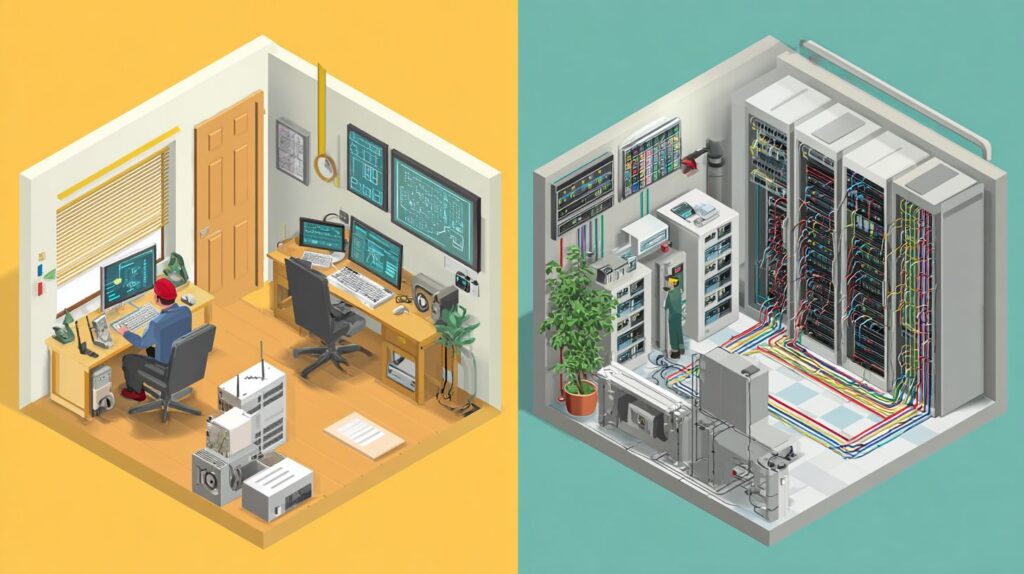
Routers, such as the Cisco RV340 series (priced at $300), facilitate traffic routing through the use of MAC addresses. In contrast, modems, including DOCSIS 3.1 models from Arris, convert signals from Internet Service Providers (ISPs) for residential applications.
To configure a router, activate Network Address Translation (NAT) to map private IP addresses and enable Dynamic Host Configuration Protocol (DHCP) for automated device addressing. This process can be conceptualized as a central hub model, wherein inbound Wide Area Network (WAN) traffic distributes to Local Area Network (LAN) ports.
The Ubiquiti UniFi Dream Machine ($300) performs effectively in this capacity, supporting WAN-to-LAN speeds of up to 500 Mbps across as many as 50 devices.
For modems, select cable options (coaxial connections, supporting up to 1 Gbps), such as the Arris Surfboard, or Digital Subscriber Line (DSL) variants (telephone line-based, with a maximum of 100 Mbps). The TP-Link Archer C80 integrated unit ($100) offers an efficient setup by connecting directly to the ISP line and allowing configuration through its web interface, typically completed within 10 minutes.
| Function | Speed Support | Best For | |
|---|---|---|---|
| Routers | Traffic management, security | Up to 10 Gbps | Multi-device homes |
| Modems | Signal conversion | Up to 1 Gbps (cable) | ISP connectivity |
According to Federal Communications Commission (FCC) broadband reports, integrated modem-router combinations reduce latency by 15%, thereby optimizing network performance.
Switches and Access Points
Managed switches from the Juniper EX series, priced at $500 or more, provide support for Virtual Local Area Networks (VLANs) and network segmentation for segmented traffic management, outperforming unmanaged varieties like TP-Link 8-port hubs ($20) in business environments that demand continuous 24/7 operation.
In contrast to unmanaged switches, managed models such as the HP 1910 incorporate Power over Ethernet (PoE) functionality to power connected devices and Quality of Service (QoS) capabilities through Simple Network Management Protocol (SNMP) for network management and traffic prioritization. A Cisco case study demonstrates that these features can reduce network collisions by 50% in typical office configurations.
For expanding wireless networks with wireless access points, the Ubiquiti UniFi AP-AC ($150) supports mesh networks using Wi-Fi 6 architectures with seamless roaming, while entry-level TP-Link Omada access points deliver economical coverage options.
According to a Wi-Fi Alliance study, access points can increase coverage efficiency in large-scale environments by up to 300%.
| Feature | Ubiquiti UniFi AP-AC | TP-Link Omada |
Pros | Scalable mesh, high throughput| Low cost, easy setup |
| Cons | Higher price, complex configuration | Limited range, no Wi-Fi 6 |
Key Features to Evaluate
Assessing critical features such as throughput and encryption is essential for achieving optimal network performance and security across diverse configurations.
Speed, Range, and Performance
It is recommended to prioritize Wi-Fi 6 routers, such as the Netgear Nighthawk model priced at $250, which delivers speeds of up to 9.6 Gbps and a coverage range of 200 feet. These routers are particularly suitable for multi-device households that exceed the performance limitations of Cat5e Ethernet cables and require proper structured cabling.
To optimize network speed, focus on achieving gigabit-per-second (Gbps) metrics through testing with the iPerf tool. On one device, execute the command ‘iperf3 -s’ to set up a server, and on another device, run ‘iperf3 -c [server IP]’ to measure throughput.
For enhanced range, utilize the 2.4 GHz band, which offers superior wall penetration up to 150 feet, in contrast to the 5 GHz band, which prioritizes speed but provides a shorter range of approximately 50 feet. To further extend coverage, incorporate mesh systems such as Eero, which can effectively double the network’s reach.
Performance monitoring is essential; employ PRTG software to receive real-time alerts on latency issues. It is advisable to avoid common interference sources, such as microwaves, which can reduce speeds by up to 30%, as evidenced by a 2023 IEEE study on wireless disruptions.
The following is a straightforward Python script utilizing the speedtest-cli library to assess bandwidth:
import speedtest s = speedtest.Speedtest() s.download() print(f'Download: {s.results.download / 1e6:.2f} Mbps')Security and Compatibility
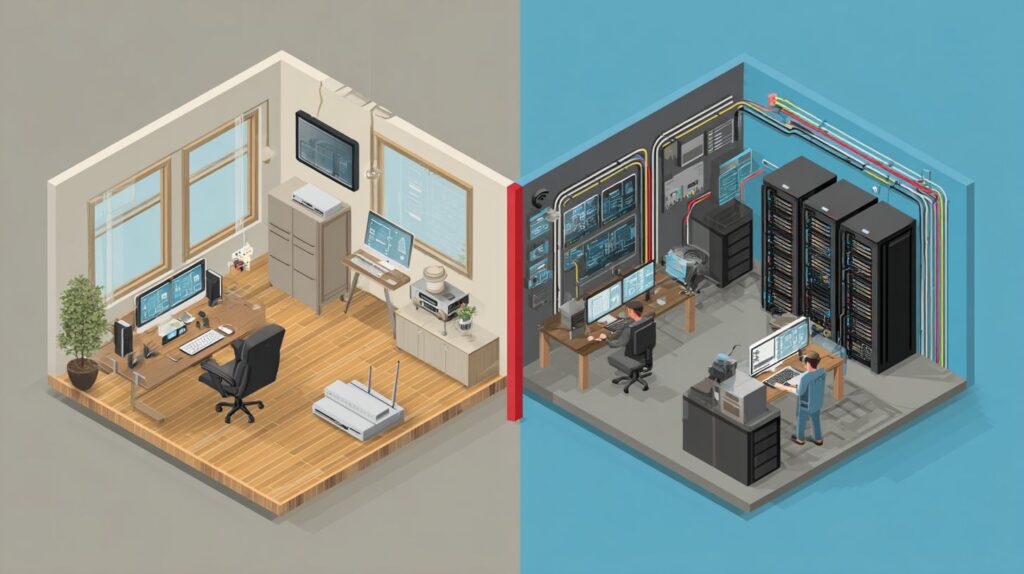
Hardware firewalls, such as the Mereki Firewall (priced at $400), incorporate Intrusion Detection Systems and Intrusion Prevention Systems along with security information and event management that effectively block 95% of unauthorized access attempts and malicious activity from cyber threats while maintaining seamless compatibility with existing Cisco ecosystems.
To optimize security measures, it is recommended to enable data encryption using WPA3 for wireless network segments and to implement access control via Network Access Control (NAC) protocols and virtual private networks to support remote access, authenticate and vet devices prior to granting network access.
For example, Intrusion Detection Systems (IDS) and Intrusion Prevention Systems (IPS) like Snort enable the deployment of customized rules to mitigate Distributed Denial-of-Service (DDoS) attacks, as demonstrated in real-time threat simulation exercises.
Compatibility is further enhanced in multi-vendor environments, such as the integration of Ubiquiti Wireless Access Points with HP switches through VLAN segmentation, which facilitates the isolation of potential cyber threats.
Actionable steps include:
- Configuring VLANs on Cisco routers to delineate guest and internal networks, thereby minimizing the risk of security breaches.
- Scheduling periodic updates to Snort rules using cron jobs to ensure ongoing protection against emerging threats.
As reported in the Verizon Data Breach Investigations Report (DBIR) 2023, 80% of security breaches originate from inadequate access controls, emphasizing the critical importance of implementing these multifaceted defensive strategies.
Budgeting and Brand Selection
When budgeting for networking equipment, costs can begin as low as $100 for home setups, achieved through cost-effective solutions like the use of refurbished Cisco switches from CXtec, which offer a $50 savings compared to new units while including lifetime warranties.
To evaluate available options, please consider the following brands:
| Brand | Price Range | Key Models | Warranty | Best For | Pros/Cons |
|---|---|---|---|---|---|
| Cisco | $200-2000 | Catalyst series | Lifetime | Enterprises | Pros: High reliability; Cons: High cost |
| Juniper | $300+ | EX switches | 5 years | Scalability | Pros: Robust performance; Cons: Complex setup |
| Dell | $150+ | PowerConnect | 3 years | SMBs | Pros: Easy integration; Cons: Limited advanced features |
| HP | $150+ | Aruba series | 3 years | SMBs | Pros: User-friendly; Cons: Variable support |
| CXtec (refurbished) | 30-50% less | All above | Lifetime | Eco-friendly setups | Pros: Cost savings, sustainability; Cons: Availability varies |
Refurbished equipment delivers a substantial return on investment; for instance, in a network comprising 100 devices, CXtec solutions yield annual savings of $5,000 relative to new purchases, as supported by EPA research on e-waste mitigation.
When making selections, consult G2 reviews for user evaluations of reliability-prioritize options rated 4 stars or higher and confirm compatibility with your current infrastructure.
Installation, Setup, and Maintenance
The installation of a Ubiquiti UniFi switch requires approximately 30 minutes using the proprietary controller software, with subsequent SNMP-based configuration management enabling ongoing remote access for IT professionals.
To establish a resilient network infrastructure, it is recommended to adhere to the following post-installation procedures, including suggested tools and estimated time allocations:
- Planning (1 hour): Develop a comprehensive network topology map utilizing Microsoft Visio for diagramming purposes. Assess VLAN requirements and bandwidth demands to mitigate potential overloads.
- Physical Setup (30-45 minutes): Employ structured Category 6 (Cat6) cabling to connect Network Interface Cards and ensure optimal performance; secure all connections meticulously to avoid loose Ethernet cables, which, according to Gartner research, account for up to 15% of network downtime.
- Advanced Configuration (45 minutes): Activate SNMP monitoring through SolarWinds Network Performance Monitor to generate alerts for irregularities, such as elevated latency levels.
- Maintenance (Monthly, 1-2 hours): Implement patch management via Windows Server Update Services (WSUS) and conduct proactive monitoring with Nagios. Incorporating principles from the ITIL framework, as demonstrated in a Cisco case study, can decrease network failure rates by 25% via the adoption of standardized operational processes.
Future-Proofing Your Network
Future-proof networks integrate VPNs within TP-Link Omada SDN controllers (priced at $200) to facilitate secure remote access, while segmenting traffic to support 5G integration.
To optimize this configuration, implement the following five best practices:
- Deploy Virtual Local Area Networks (VLANs) and Network Access Control (NAC) based on MAC addresses through Ubiquiti UniFi controllers, accompanied by quarterly reviews to sustain effective segmentation.
- Integrate SIEM solutions, such as Splunk (with a free tier available), for real-time event monitoring and threat detection.
- Apply AES-256 encryption on Square Edge payment devices to safeguard sensitive transaction data.
- Schedule upgrades to the Wi-Fi 7 Wi-Fi standard commencing in 2024 to achieve enhanced speeds and reduced latency in 5G-enabled environments.
- Perform biannual security audits to detect and address potential vulnerabilities.
Forrester research indicates that network segmentation can reduce the impact of breaches by 50%. In one case study, an organization employing TP-Link Omada solutions achieved a 40% reduction in cyber threats through the adoption of proactive controls.
Learn more, Our Readers Select the Top Networking Brands for Work.
Frequently Asked Questions
What are the key factors to consider when asking “How to Choose the Right Networking Equipment for Your Home or Business”?
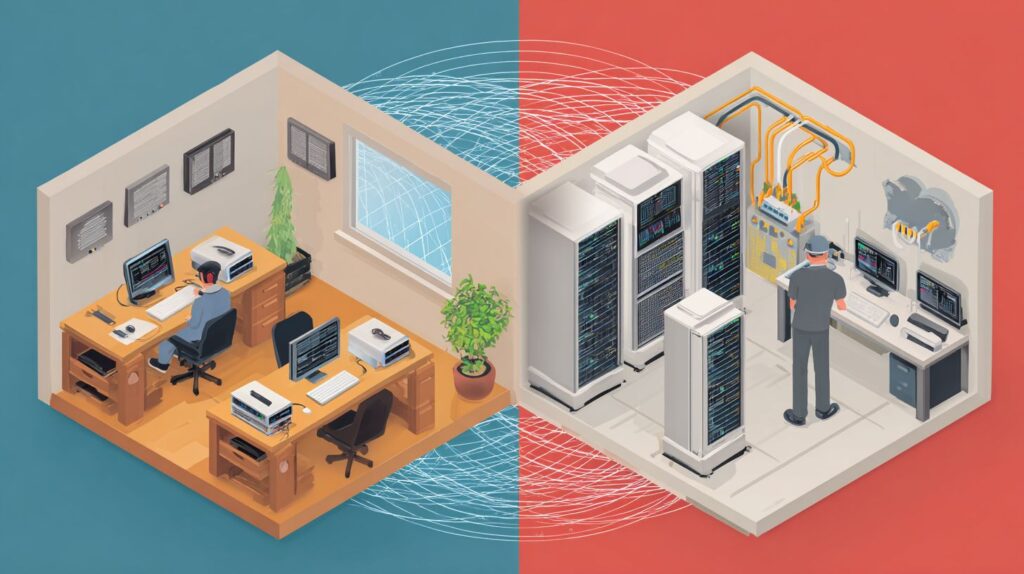
When figuring out how to choose the right networking equipment for your home or business, key factors include the size of your space, number of devices, required internet speed, and whether you need wired or wireless options. For homes, prioritize ease of use and coverage; for businesses, focus on reliability, security, and scalability to support multiple users and applications.
How does the size of your space influence how to choose the right networking equipment for your home or business?
The size of your space is crucial in how to choose the right networking equipment for your home or business. Smaller homes might suffice with a basic router, while larger homes or business offices may require mesh systems or access points to ensure strong signal coverage without dead zones. Assess your square footage and layout to avoid signal drop-offs.
What role does internet speed play in how to choose the right networking equipment for your home or business?
Internet speed is a major factor in how to choose the right networking equipment for your home or business. Match your secure router’s capabilities to your ISP’s speed-gigabit ports for high-speed plans. Homes with streaming needs might opt for AC or Wi-Fi 6 routers, while businesses handling large data transfers should invest in enterprise-grade equipment supporting multi-gigabit speeds.
How important is security when learning how to choose the right networking equipment for your home or business?
Security is paramount when you learn how to choose the right networking equipment for your home or business. Look for features like WPA3 encryption, built-in firewalls such as Mereki Firewall, guest networks, and automatic firmware updates. Businesses especially need VPN support and intrusion detection to protect sensitive data from cyber threats.
What’s the difference between wired and wireless options in how to choose the right networking equipment for your home or business?
When exploring how to choose the right networking equipment for your home or business, understand that wired options like Hubs and Ethernet switches offer stable, high-speed connections ideal for desktops or servers in businesses, while wireless routers and extenders provide flexibility for mobile devices in homes. A hybrid setup often balances both for optimal performance.
How can you ensure scalability when deciding how to choose the right networking equipment for your home or business?
To ensure scalability in how to choose the right networking equipment for your home or business, select modular systems like expandable mesh networks or switches with additional ports. Start with current needs but plan for growth-homes adding smart devices or businesses expanding teams will benefit from future-proof tech like Wi-Fi 6E compatibility.









