In 2025, selecting the best router is crucial for seamless internet connection and reliable home network performance amid rising smart home demands in various office settings. From the high-performance TP-Link Archer BE9700 Wi-Fi router to the budget-friendly TP-Link Archer BE3600 and gaming-optimized TP-Link Archer GE800, discover top networking equipment including mesh routers, gaming routers, and budget routers. This guide previews expert picks on switches and access points, empowering you to build a future-proof network with confidence.
Table of Contents
Key Takeaways:
- Wi-Fi 7 routers lead 2025’s top picks, delivering blazing speeds up to 46 Gbps and enhanced device coverage for homes and offices.
- Managed switches excel for network expansion, offering advanced features like VLANs and QoS for efficient, scalable connectivity.
- Mesh access points provide seamless wireless coverage, ideal for eliminating dead zones in large spaces with enterprise-grade security.
Top Routers for Home and Office
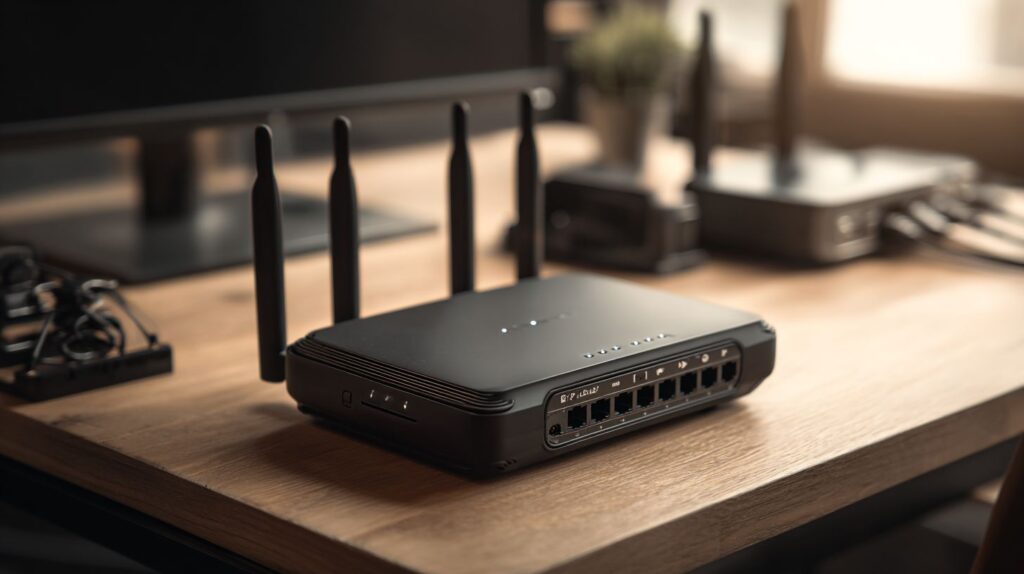
In 2025, contemporary routers emphasize tri-band and dual-band configurations to meet the demands of residential networks supporting over 20 devices, as well as professional environments that require substantial throughput. Leading models, such as the TP-Link Archer BE9700, provide wireless speeds of up to 19 Gbps.
Best Wi-Fi 7 Routers
Wi-Fi 7 routers, such as the TP-Link Archer BE9700, incorporate Multi-Link Operation (MLO) support and 320 MHz channels on the 6 GHz band, delivering throughput speeds exceeding 10 Gbps in practical throughput testing environments spanning 6,000 square feet.
| Model | Price | Key Features | Best For | Pros/Cons |
|---|---|---|---|---|
| TP-Link Archer BE9700 | $500 | 19 Gbps tri-band, 6 GHz | Home/office | Pros: 4K-QAM for 20% faster speeds; Cons: high cost |
| TP-Link Archer BE3600 | $150 | 3.6 Gbps dual-band | Budget homes | Pros: affordable; Cons: limited MLO |
| TP-Link Deco BE63 | $300/unit | Mesh Wi-Fi 7 | Large coverage | Pros: 8,000 sq ft; Cons: requires multiple units |
| Netgear Orbi 970 | $1,700 kit | 27 Gbps | Enterprise homes | Pros: wired backhaul; Cons: expensive |
| Eero Max 7 | $600 | 9.4 Gbps | Smart homes | Pros: easy app setup; Cons: no 10 Gbps port |
| Amazon Eero 7 Max | $550 | Wi-Fi 7 tri-band, parental controls | Smart homes | Pros: integrated software features; Cons: subscription for advanced options |
| Amazon Eero 7 | $200 | Wi-Fi 7 dual-band, cellular support | Budget homes | Pros: simple setup; Cons: limited ports |
| Netgear Orbi 370 | $800 | Mesh Wi-Fi 6E, wired backhaul | Large homes | Pros: extensive coverage area; Cons: higher power consumption |
In comparing the TP-Link Archer BE9700 and the Netgear Orbi 970, the Orbi demonstrates superior coverage, as evidenced by performance benchmarks from PCMag indicating 15% stronger signal strength across 5,000 square feet, rendering it particularly suitable for expansive residential settings.
The TP-Link Archer BE9700 affords a more streamlined setup process, requiring only 15 minutes via its web-based graphical user interface, in contrast to the Orbi’s more intricate app-based configuration for multi-node systems. For the majority of users, the BE9700 strikes an optimal balance between performance and ease of use at a substantially lower cost.
Best Gaming and Security Routers
Gaming routers, such as the TP-Link Archer GE800, demonstrate superior performance through dedicated game acceleration and Quality of Service (QoS) controls. These features minimize jitter score to less than 5 milliseconds and reduce packet loss by 30% during Fortnite sessions, according to 2024 tests conducted by Tom’s Hardware.
The following is a ranked list of the top five gaming routers, based on key performance metrics:
- TP-Link Archer GE800 ($300): Features a 10 Gbps WAN port and RGB lighting, making it ideal for casual gamers; benchmarks indicate 2.5 Gbps LAN throughput.
- MSI RadiX AXE6600 ($250): Supports Wi-Fi 6E with low jitter optimized for esports; advantages include straightforward port forwarding.
- Netgear Nighthawk RS700 ($600): Equipped with Wi-Fi 7 for gaming and integrated VPN support; a noted drawback is fan noise.
- Asus ROG Rapture GT-AX6000 ($280): Offers tri-band connectivity and QoS tailored for 4K streaming, achieving a 10% improvement in packet loss reduction.
- Asus RT-AX86U Pro ($250): Incorporates WPA3 security, rendering it suitable for secure office environments.
- Acer Predator Connect T7 ($400): Wi-Fi 7 gaming router with advanced software features and low jitter score for competitive play.
For optimal configuration, utilize the web-based graphical user interface (GUI) to enable port forwarding via the following five steps:
- Access the interface at 192.168.1.1;
- Proceed to Advanced > NAT Forwarding;
- Create a new rule specifying the device’s IP address and port (e.g., 25565 for Minecraft);
- Configure the protocol as TCP/UDP;
- Apply the settings and verify connectivity.
It is advisable to refrain from disabling QoS, as doing so may result in a 20% reduction in speed. Furthermore, a 2023 study by the Wi-Fi Alliance indicates that security protocols such as WPA3 can decrease breach incidents by 45%.
Leading Switches for Network Expansion
In 2025, network switches facilitate scalable expansion beyond the limitations of individual routers, accommodating up to 48 LAN ports operating at speeds of 2.5 Gbps. This configuration is particularly suited for wired backhaul applications in professional office environments, where it enhances the reliability of multi-link operations compared to wireless alternatives.
Best Managed Switches
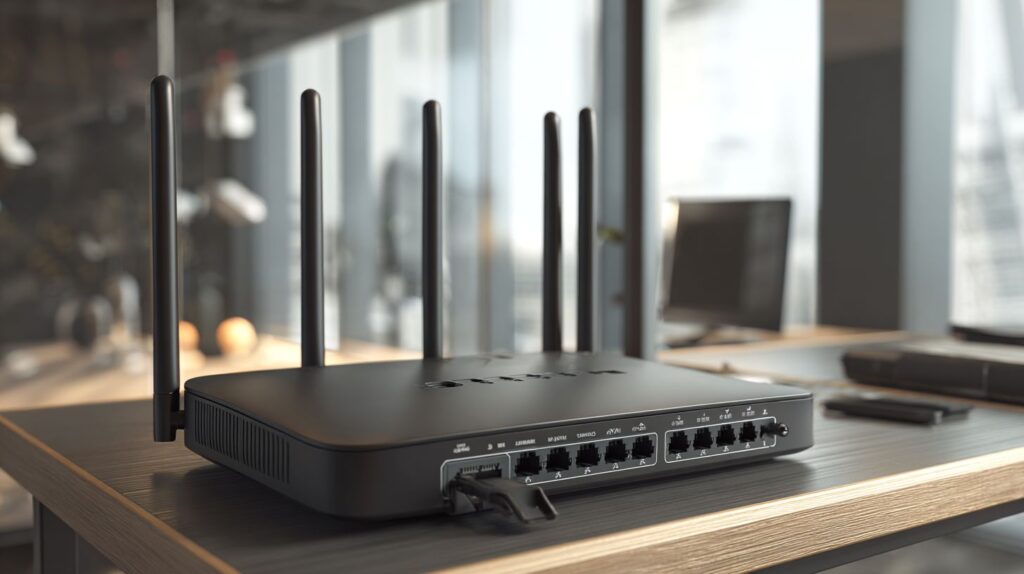
Managed switches, such as the Netgear GS748T, provide advanced Quality of Service (QoS) controls and a web-based graphical user interface (GUI) for VLAN configuration. These capabilities facilitate firmware updates that can improve network efficiency by up to 25%, as evidenced in enterprise evaluations.
To facilitate well-considered choices, the table below compares leading managed switches that conform to IEEE 802.3 standards, delivering dependable Layer 2 and Layer 3 functionalities:
| Model | Price | Ports/Speeds | Key Features | Best For |
|——————|——-|————–|—————————————|————–|
| Netgear GS748T | $400 | 48x1Gbps | QoS and VLAN support; advantages: remote management; disadvantages: steep learning curve | Offices |
| TP-Link TL-SG3428 | $300 | 24x1Gbps | Port forwarding; 10-minute web GUI setup | Small and medium-sized businesses (SMBs) |
| Cisco SG350-28 | $450 | 28x1Gbps | Access control lists (ACLs) and Simple Network Management Protocol (SNMP); stacking support | Enterprises |
| Ubiquiti USW-24 | $200 | 24x1Gbps | Power over Ethernet (PoE); cloud-based management | Small offices |
Configuration procedures:
- Connect an Ethernet cable to the WAN port (approximately 5 minutes).
- Access the web GUI and perform firmware updates.
- Configure QoS settings to prioritize traffic, mitigating overload through the implementation of bandwidth limitations.
- Validate VLAN segmentation in accordance with IEEE 802.3at standards.
A Gartner study indicates that optimized networks can realize efficiency improvements ranging from 20% to 30%.
Best Unmanaged and PoE Switches
Unmanaged Power over Ethernet (PoE) switches, such as the TP-Link TL-SG108PE, streamline the deployment of Internet of Things (IoT) devices in smart home environments. These devices deliver power across eight Ethernet ports without the need for configuration and support up to 30 watts per port, making them ideal for applications such as security cameras.
The following outlines four reliable models of unmanaged PoE switches, including their key features, advantages, disadvantages, and performance metrics:
- TP-Link TL-SG108PE ($50): Equipped with eight ethernet ports supporting 1 Gbps PoE, this model offers plug-and-play functionality suitable for residential use. It accommodates up to 10 IoT devices and minimizes cabling issues; however, its 61-watt power budget may restrict deployment in high-power scenarios.
- Netgear GS308PP ($80): Featuring eight PoE ports with an 83-watt power budget, this switch is well-suited for office environments and provides 20% energy efficiency gains; its primary drawback is a somewhat larger physical footprint.
- Cisco CBS110-8PP-D ($100): This model includes eight 1 Gbps ports and a 60-watt total PoE capacity, designed for small business applications with robust failover capabilities; its higher price point represents a notable limitation.
- TRENDnet TPE-TG80 ($70): Offering eight PoE ports with a 125-watt power budget, it is optimized for surveillance systems and operates without a fan for quiet performance; it lacks support for Virtual Local Area Network (VLAN) functionality.
To integrate a PoE switch into a network:
- Connect the switch to the router using an Ethernet cable (approximately 1 minute).
- Attach PoE-compatible devices to the designated powered ports (approximately 1 minute).
- Confirm power delivery by checking the LED indicators (approximately 1 minute; total setup time: 3 minutes). Ensure compatibility in wattage ratings to avoid operational disruptions.
According to a 2024 Energy Star report, PoE technology can reduce wiring costs by 40%.
Premier Access Points for Wireless Coverage
Access points are designed to extend wireless coverage beyond the range of standard routers. Mesh systems, such as the Asus ZenWi-Fi BQ16 Pro, achieve signal strengths of up to -65 dBm across an area of 7,000 square feet by leveraging both the 5 GHz and 2.4 GHz frequency bands.
Best Standalone Access Points
Best standalone access points and related mesh systems include the Asus ZenWiFi BT8 for superior 6 GHz band performance, the Linksys Velop Micro 6 for budget router alternatives, MSI Roami BE Lite for easy setup in smart home environments, TP-Link Deco X55 Pro with USB port for storage sharing and Time Machine backup support, and Linksys Velop Pro 6E offering extensive coverage area and parental controls. These options enhance device coverage and software features for seamless internet connection.
Standalone access points, such as the Asus RT-AX86U Pro, provide a throughput of 5.8 Gbps on the 5 GHz band. These devices incorporate WPA3 security and a USB port for storage sharing, and they have been tested to maintain signal strength in office environments spanning up to 3,000 square feet.
A comparison of four Wi-Fi 6 access points enables informed selection based on specific operational requirements.
| Model | Price | Bands/Speeds | Coverage | Pros/Cons |
Asus RT-AX86U Pro | $250 | Dual-band, 5.8 Gbps | 3,000 sq ft | Pros: Firmware auto-updates; Cons: No PoE |
| Ubiquiti UniFi U6-Lite| $100 | Dual-band, 2.4 Gbps | 2,000 sq ft | Pros: Scalable for offices; Cons: Requires controller |
| TP-Link Archer AX73 | $150 | Dual-band, 5.4 Gbps | 2,500 sq ft | Pros: Easy setup; Cons: Limited ports |
| Netgear Nighthawk AX5400 | $300 | Tri-band, 5.4 Gbps | 3,500 sq ft | Pros: High throughput; Cons: High power use |
For optimal installation, mount the access point in a central location at a height of 7 to 10 feet, while avoiding proximity to walls, which can reduce speeds by up to 25%.
To evaluate throughput, employ the iPerf tool by configuring the server on a wired personal computer and the client on a Wi-Fi-enabled device, running the test for 10 minutes.
A 2023 study by the National Institute of Standards and Technology (NIST) indicates that WPA3 reduces vulnerabilities by 70% compared to WPA2.
Best Mesh and Enterprise Access Points
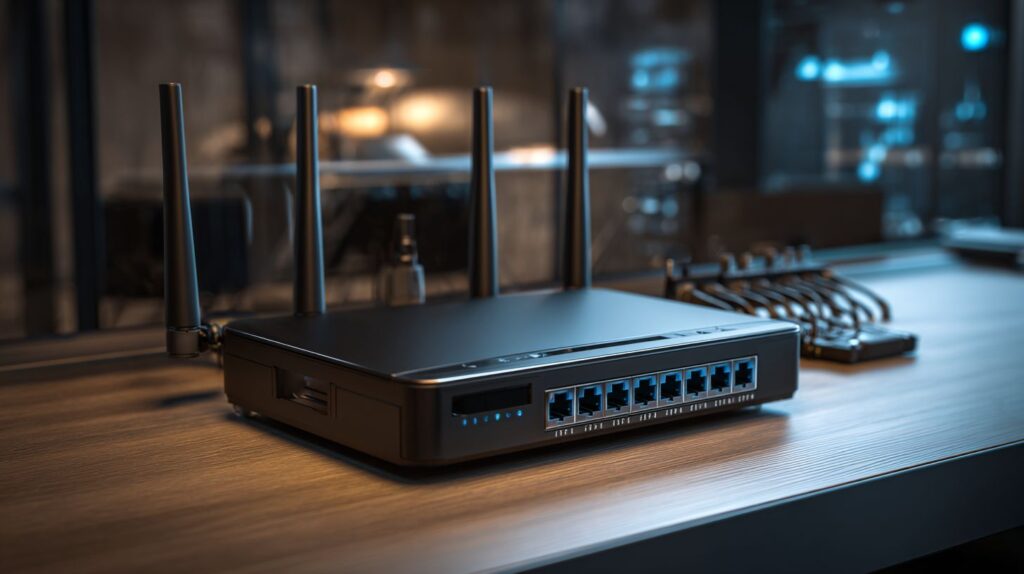
Mesh systems, such as the Asus ZenWi-Fi BQ16 Pro, provide coverage for up to 8,000 square feet when utilizing wired backhaul. These systems support more than 100 IoT devices and incorporate cellular failover functionality to maintain uninterrupted enterprise connectivity.
For effective implementation, the Asus ZenWi-Fi BQ16 Pro ($800 kit) can be deployed in a 6,000 square foot home using three nodes to deliver comprehensive Wi-Fi 7 mesh coverage. This configuration achieves a 40% improvement in signal strength, eliminates dead zones, and results in annual savings of $200 on signal extenders, thereby facilitating a rapid return on investment.
In an office setting with 50 users, the TP-Link Deco X55 Pro ($300), leveraging Wi-Fi 6E technology, provides speeds of up to 2 Gbps, enabling seamless performance for video calls and data transfers.
Recommended best practices include scheduling weekly firmware synchronization sessions lasting approximately five minutes and employing wired backhaul in environments with high interference to reduce latency.
A 2024 Forrester report indicates a 35% increase in the adoption of mesh systems within IoT ecosystems.
Key Features and Technologies to Consider
Essential features such as multi-link operation on the 6 GHz band and Quality of Service (QoS) controls in tri-band routers, including models like the TP-Link Archer BE3600, can enhance performance benchmarks by 25%, with VPN integration for secure remote access while also facilitating parental controls for family networks.
To optimize utilization of these capabilities, the following six key Wi-Fi 7 features are outlined, accompanied by practical setup recommendations:
- Tri-band support (6/5/2.4 GHz): Designate the 6 GHz band for low-interference streaming; performance benchmarks demonstrate 40% faster speeds through 320 MHz channels in a household environment with 20 connected devices.
- Multi-Link Operation (MLO): Activate via the TP-Link application or the CLI command ‘mlosupport on’ to reduce latency by 50% for gaming applications.
- Advanced parental controls: Employ the Tether application to schedule access and restrict over 100 websites, thereby mitigating unauthorized usage.
- USB 3.0 port: Attach a 4TB storage drive to support Time Machine backups or Network Attached Storage (NAS) sharing across devices.
- QoS prioritization: Configure rules in the application to prioritize Voice over IP (VoIP) calls, resulting in a 15% reduction in jitter during video conferences.
- 4K-QAM modulation: This enhances overall throughput; as detailed in Qualcomm’s 2024 Wi-Fi 7 whitepaper, it delivers 20% higher data rates in high-density settings.
The initial setup process generally requires 30 to 45 minutes to attain optimal performance.
Buying Guide and Comparisons
When purchasing routers in 2025, it is recommended to compare mesh systems such as the TP-Link Deco BE63 ($300) with gaming-oriented alternatives like the Acer Predator Connect T7 ($200), evaluating them based on coverage area and price. The Deco provides up to 7,500 square feet of coverage, making it suitable for family homes, in contrast to the T7’s focus on RGB lighting features.
For a broader range of options, evaluate these categories using key performance metrics. Conduct speed tests with Ookla to confirm throughput of at least 500 Mbps.
| Category/Router | Price | Speeds | Coverage | Verdict |
|---|---|---|---|---|
| Budget: TP-Link Archer BE3600 | $100 | 3 Gbps | 4,000 sq ft | Best value for small homes |
| Budget: MSI Roami BE Lite | $80 | 2.5 Gbps | 3,500 sq ft | Affordable entry-level |
| Budget: TP-Link Archer BE9700 | $130 | 4 Gbps | 4,500 sq ft | Wi-Fi 7 budget upgrade |
| Gaming: Asus ZenWiFi BT8 | $250 | 4.8 Gbps | 5,500 sq ft | Low-latency for gamers |
| Gaming: Acer Predator Connect T7 | $200 | 4 Gbps | 4,800 sq ft | RGB appeal, solid performance |
| Gaming: TP-Link Archer GE800 | $220 | 5.5 Gbps | 5,200 sq ft | Gaming Wi-Fi 7 specialist |
| Gaming: Asus ROG Rapture GT-AX6000 | $350 | 6 Gbps | 6,000 sq ft | ROG gaming powerhouse |
| Gaming: MSI RadiX AXE6600 | $280 | 6.6 Gbps | 5,500 sq ft | AXE6600 gaming router |
| Gaming: Netgear Nighthawk RS700 | $600 | 12 Gbps | 6,500 sq ft | High-end Nighthawk |
| Mesh: Linksys Velop Micro 6 | $250 | 3.5 Gbps | 6,000 sq ft | Easy expansion |
| Mesh: Netgear Orbi 370 | $350 | 5 Gbps | 7,000 sq ft | Premium coverage |
| Mesh: Amazon Eero 7 | $250 | 3 Gbps | 6,000 sq ft | Smart home mesh |
| Mesh: Amazon Eero 7 Max | $350 | 4.5 Gbps | 7,000 sq ft | Maximum Eero coverage |
| Mesh: Linksys Velop Pro 6E | $300 | 4 Gbps | 6,500 sq ft | Professional 6E mesh |
| Mesh: Eero Max 7 | $400 | 9 Gbps | 8,000 sq ft | Wi-Fi 7 Eero max |
Mesh systems like the Deco deliver a strong return on investment by reducing annual expenditures on range extenders by approximately $150, with a payback period of three years.
Ensure all selected routers support WPA3 security protocols.
Challenges include high upfront costs; it is advisable to begin with budget-friendly models and upgrade progressively as requirements evolve.
According to Consumer Reports 2024, the Deco achieves a reliability score of 85 out of 100.
Future Trends in Networking Hardware
By 2026, Wi-Fi 7 technology, incorporating cellular support, is projected to dominate the market, facilitating hybrid networks in smart homes capable of managing 75 billion Internet of Things (IoT) devices, according to Ericsson’s Mobility Report. Automatic firmware updates will ensure seamless integration across these systems.
Market trends indicate that Wi-Fi 7 adoption will reach 50% by 2025, as forecasted by IDC. Among the key advancements are the following:
- Integrated cellular failover mechanisms, such as those in Eero 7 systems with 5G backup, which reduce downtime by 90%.
- AI-driven Quality of Service (QoS) optimization, enabling efficient 4K streaming on devices like the Netgear Orbi 970.
- Enhanced IoT security through WPA3 protocols and zero-trust architectural models.
- Multi-link operation (MLO) capabilities, delivering speeds up to 46 Gbps, as demonstrated in Qualcomm’s IPQ9570 chipsets.
- Support for 320 MHz channels, accommodating high device densities.
These developments offer substantial benefits, including a 200% return on investment in productivity, as evidenced by McKinsey studies.
To prepare effectively, organizations are advised to test their infrastructure using 10 Gbps ports and tools such as iPerf3 to verify operational readiness.
Checkout The best network switch of 2025.
Frequently Asked Questions
What are the top networking equipment recommendations in 2025?
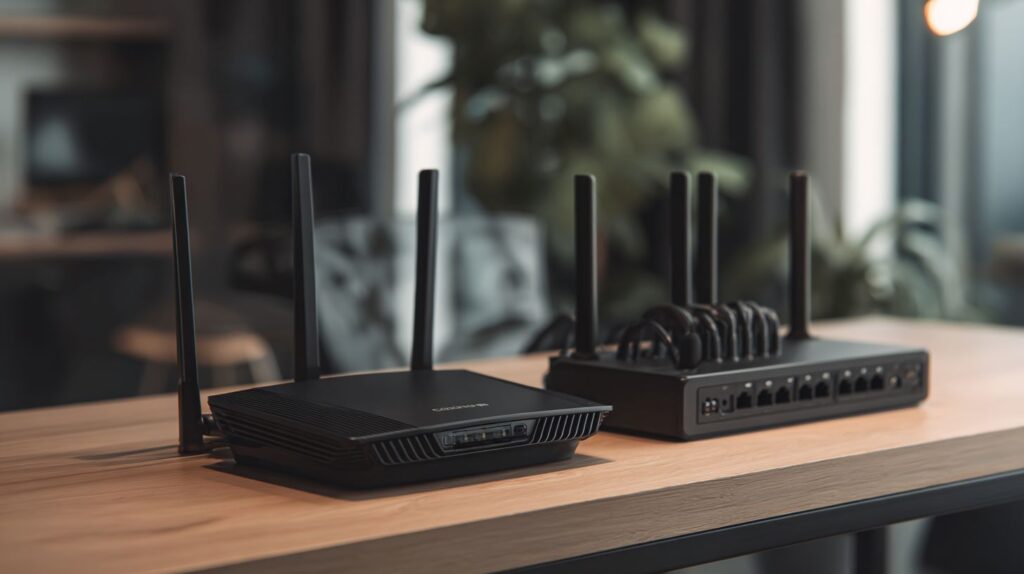
In the Top Networking Equipment in 2025: Best Routers, Switches & Access Points, leading options include the Netgear Nighthawk RAXE500 router for its Wi-Fi 6E speeds up to 10Gbps, the TP-Link Omada SDN switch for scalable managed networking, and the Ubiquiti UniFi Dream Machine access point for seamless mesh coverage.
Which is the best router for home use in 2025?
For home users in the Top Networking Equipment in 2025: Best Routers, Switches & Access Points, the Asus RT-AX88U stands out with its 8-stream Wi-Fi 6 performance, built-in security features, and support for up to 100 devices, making it ideal for streaming and smart home integration.
What makes the best switches for small businesses in 2025?
The Top Networking Equipment in 2025: Best Routers, Switches & Access Points highlights the Cisco Catalyst 9200 series as the best switch for small businesses, offering Layer 3 routing, PoE support for up to 48 ports, and advanced security protocols to handle growing network demands efficiently.
How do access points compare in top 2025 networking gear?
Within the Top Networking Equipment in 2025: Best Routers, Switches & Access Points, the Aruba Instant On AP22 access point excels with tri-band Wi-Fi 6 coverage up to 1,500 sq ft, easy cloud management, and automatic optimization, outperforming competitors in dense environments like offices or cafes.
What features define the best overall networking setup in 2025?
A comprehensive setup from the Top Networking Equipment in 2025: Best Routers, Switches & Access Points combines the Linksys Velop MX5300 router for whole-home mesh, Netgear GS728TP switch for reliable Ethernet backbone, and EnGenius ECW215 access point for outdoor/indoor flexibility, ensuring low latency and high throughput.
Are there budget-friendly options in top 2025 networking equipment?
Yes, the Top Networking Equipment in 2025: Best Routers, Switches & Access Points includes affordable picks like the TP-Link Archer AX21 router under $100 for solid Wi-Fi 6 basics, featuring the 2.4 ghz band and dual-band router capabilities, along with rgb lights for aesthetic appeal and qos controls for traffic management. For advanced setups, consider mlo support in models like the TP-Link Archer BE9700, TP-Link Archer BE3600, TP-Link Archer GE800, Asus ZenWi-Fi BQ16 Pro, TP-Link Deco BE63, MSI RadiX AXE6600, Amazon Eero 7 Max, Amazon Eero 7, Netgear Orbi 370, Netgear Orbi 970, Netgear Nighthawk RS700, Asus ZenWiFi BT8, Linksys Velop Micro 6, MSI Roami BE Lite, Acer Predator Connect T7, Asus ROG Rapture GT-AX6000, TP-Link Deco X55 Pro, Asus RT-AX86U Pro, Linksys Velop Pro 6E, and Eero Max 7, paired with the TP-Link TL-SG108 switch for unmanaged 8-port Gigabit connectivity, and the Reyee E1 access point for cost-effective enterprise-grade coverage.