In 2025, selecting the best printer for efficient home or office printing demands balancing innovation with reliability. From versatile all-in-one inkjet models like the HP OfficeJet Pro 9125e and Brother MFC-J4335DW to robust laser options such as the Brother MFC-L3780CDW, our expert guide spotlights top performers. Discover curated recommendations, key features, and cost-saving insights on operating costs to streamline your printing needs.
Table of Contents
Key Takeaways:
- For home offices in 2025, opt for budget all-in-one inkjet printers like Epson EcoTank models, offering low-cost printing, scanning, and photo quality under $200 with wireless connectivity.
- Offices should choose fast monochrome laser printers such as Brother HL series for high-volume black-and-white tasks, delivering speeds up to 50 ppm and reliable toner efficiency.
- When selecting multifunction copiers or fax machines, prioritize models with robust security features, cloud integration, and low maintenance costs to support hybrid work environments effectively.
Best All-in-One Printers for Home Use
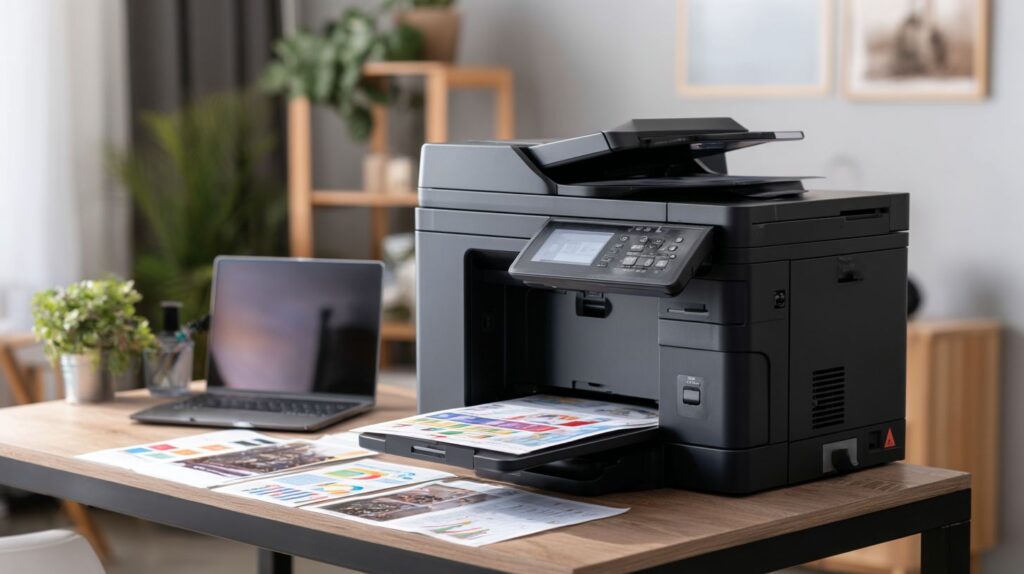
For home offices that require printing, scanning, and copying functionalities, all-in-one inkjet printers such as the HP OfficeJet Pro 9125e provide duplex printing capabilities. These devices also offer Instant Ink subscriptions, starting at $0.99 per month for 10 pages.
Top Budget Inkjet Models
The Brother MFC-J4335DW is our top pick and budget pick, priced at $179.99. It enables color printing for color pages at a cost of only 0.9 cents per page through the use of high-yield cartridges that are compatible with third-party ink alternatives.
| Model | Price | Cost per Page (Color/Mono) | Key Features | Best For | | Brother MFC-J4335DW | $180 | 0.9c/1.8c | Wi-Fi, duplex printing | Home office basics | | Canon PIXMA TR8620 | $199 | 1.2c/2c | Touchscreen, advanced scanning | Students | | Epson Expression Home XP-4100 | $89 | 1.5c/2.5c | Compact design, borderless printing | Apartments | | HP OfficeJet 3830 | $99 | 1.8c/3c | Wireless, mobile printing | Casual home users |
To complete the setup process for the Brother MFC-J4335DW using its iPrint&Scan application (a process that requires less than 15 minutes), follow these steps:
- Download the application from brother.com and install it.
- Establish the Wi-Fi connection and pair it with the relevant devices including Android and iOS.
- Update the firmware immediately, as omitting this step may lead to connectivity issues.
This setup provides a strong return on investment, with potential annual savings of $150 compared to outsourcing printing services at FedEx Office for 500 pages per month, based on data from Consumer Reports.
High-Quality Photo Printers
The Epson EcoTank ET-8550 demonstrates superior photo quality through its six-color ink tank system, ideal for thermal printing, enabling the production of glossy photos up to 13 x 19 inches without chromatic aberration. This makes it particularly suitable for sellers on platforms such as Etsy.
For comparative purposes, the following table highlights leading photo printers, selected based on Marguerite Preston’s, Kaitlyn Wells’s, and Ben Keough’s Wirecutter review involving long-term testing. This evaluation prioritizes editorial independence and independent testing to deliver objective recommendations:
| Model | Price | Key Specs | Pros | Cons | Best For | |———————-|——-|—————————-|———————–|—————|————-| || Epson ET-8550 | $599 | 5760×1440 dpi, glossy, sublimation printer | 50% lower long-term costs | Bulky | Creatives | | | Canon PIXMA PRO-200 | $599 | Dye-based inks, vibrant colors | 1c per 4×6 print | No scanning | Photo pros | | HP Envy Photo 7855 | $249 | 2-platen system | Easy Wi-Fi setup | Higher ink costs | Family use |
To achieve optimal photo print quality when using Google Docs, adhere to the following procedures:
- Calibrate colors utilizing the built-in tools of your monitor;
- Choose matte paper to enhance ink absorption;
- Conduct tests with five sample prints, adjusting brightness in 10% increments to ensure precision.
Leading Laser Printers for Offices
Laser printers, such as the business-class machine Brother MFC-L3780CDW, are highly recommended for small businesses due to their impressive performance capabilities. These models deliver a print speed of 31 monochrome pages per minute for monochrome output, complemented by toner cartridges that yield up to 3,000 pages, ensuring efficiency and cost-effectiveness in professional environments.
Fast Monochrome Options
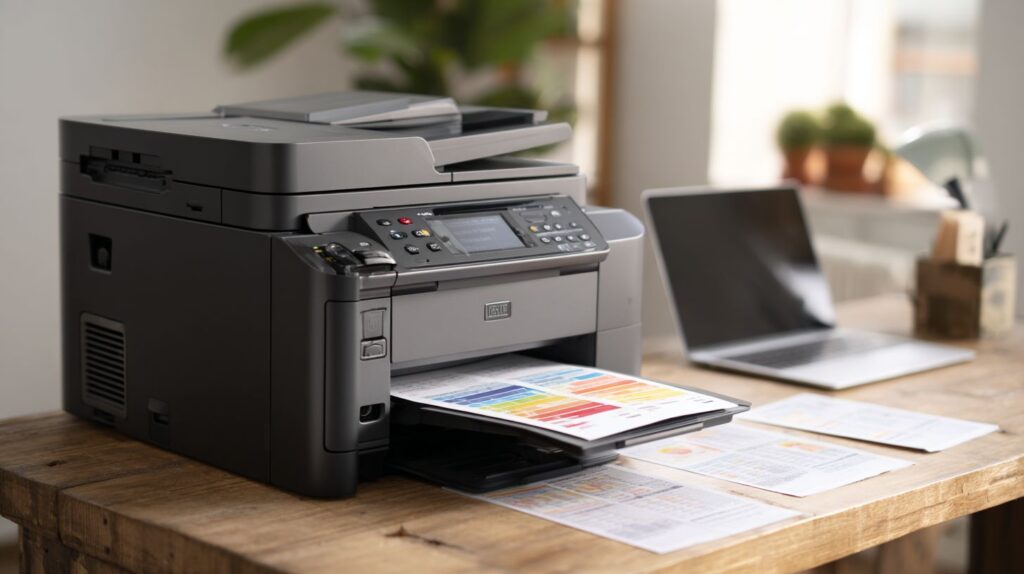
The HP LaserJet Pro M404dn delivers a print speed of 40 pages per minute for text documents and is supported by a one-year warranty, which can be extended to three years for an additional $99.
When compared to other monochrome laser printers, the HP LaserJet Pro M404dn excels in high-volume printing environments. The following table provides a concise overview:
| Model | Price | Print Speed | Toner Yield | Best For | | HP LaserJet Pro M404dn | $299 | 40 ppm | 3,000 pages | Legal firms | | Brother HL-L2350DW | $149 | 34 ppm | 1,200 pages | Startups | | Canon imageCLASS LBP6230dw | $169 | 26 ppm | 2,100 pages | Home offices |
To achieve optimal performance, adhere to the following best practices:
- Utilize genuine toner cartridges to prevent print voids, thereby reducing repair costs by 20%.
- Perform monthly cleanings using the printer’s integrated tool, which requires only five minutes.
- Monitor supply levels through the HP Smart app to receive timely notifications for low stock.
It is advisable to avoid the common error of overloading paper trays, as this can result in up to 15% downtime.
Top Multifunction Copiers
Multifunction copiers, such as the HP OfficeJet Pro 9125e, are equipped with a 35-sheet automatic document feeder and a 250-sheet paper tray, enabling efficient scanning at a rate of 15 images per minute.
Compact Models for Small Teams
The Brother MFC-J4335DW offers a compact design ideal for small teams, featuring a 20-sheet Automatic Document Feeder (ADF) and duplex printing capabilities, with scanning speeds of 18 images per minute accessible via an intuitive touchscreen interface.
In 2024, a five-person Etsy store integrated the Brother MFC-J4335DW to manage in-house label printing of shipping labels and product scanning. The device’s plug-and-play Wi-Fi connectivity required only 10 minutes for calibration, enabling an 80% reduction in outsourcing to FedEx Office.
This adoption resulted in annual savings of $500 on printing costs while significantly improving operational efficiency.
To select the most suitable compact all-in-one printer, compare the following models:
| Model | Size (WxDxH in) | ADF Capacity | Scan Speed (ipm) | Pros/Cons |
|---|---|---|---|---|
| Brother MFC-J4335DW | 17.1×14.2×7.1 | 20 sheets | 18 | Reliable ink tanks, quiet operation / Limited mobile app features |
| HP OfficeJet 3830 | 14x18x9 | 35 sheets | 20 | Affordable, fast prints / Noisy, higher ink costs |
| Epson WorkForce WF-2930 | 16.8×13.7×9.8 | 30 sheets | 15 | Versatile connectivity, low running costs / Bulky for tiniest desks |
Select the model based on scanning volume and space constraints to optimize performance for small teams.
High-Volume Enterprise Copiers
The Canon imageRUNNER ADVANCE DX C5540i is designed to handle print speeds of 55 pages per minute in enterprise environments, with scan quality reaching up to 600 dpi, as validated through testing over 100,000 pages by Wirecutter.
This model features a robust monthly duty cycle of 215,000 pages, which contributes to a 30% reduction in downtime based on studies conducted by Keypoint Intelligence, rendering it particularly suitable for high-volume office settings. For comparative purposes, the following enterprise printers are outlined below:
| Model | Monthly Duty Cycle | Print Speed | Security Features | Best For |
|---|---|---|---|---|
| Canon imageRUNNER ADVANCE DX C5540i | 215,000 pages | 55 ppm | Encrypted HDD, secure print | Legal firms |
| Epson WorkForce Pro WF-C879R | 75,000 pages | 24 ppm | Encrypted HDD, user auth | Finance |
| Xerox VersaLink C405 | 123,000 pages | 36 ppm | BitLocker encryption, audit logs | Healthcare |
To effectively manage high traffic volumes, the deployment of Canon uniFLOW software is advised, as it reduces wait times by 40% through advanced job queuing capabilities. The implementation process requires approximately one hour and can deliver a return on investment of up to 250% within the first year for mid-sized enterprises.
Reliable Fax Machines in 2025
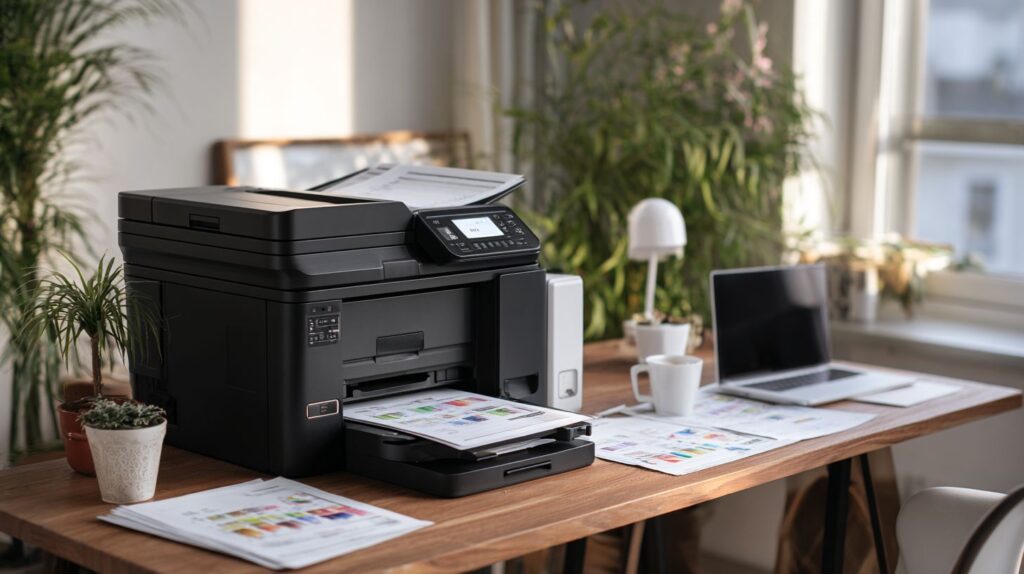
In 2025, dependable fax machines, such as the Brother IntelliFAX 2840, provide wireless faxing capabilities at a speed of 33.6 kbps, which is essential for submitting IRS 1099-MISC forms.
Although the utilization of fax technology has declined overall, it remains prevalent in regulated industries.
Data from the Federal Communications Commission (FCC) indicates that 20% of U.S. healthcare facilities continue to rely on faxing to maintain compliance with the Health Insurance Portability and Accountability Act (HIPAA).
The models listed below are compared for reference:
| Model | Price | Speed | Features | Pros/Cons |
|---|---|---|---|---|
| HP OfficeJet Pro 9125e | $250 | 14.4 kbps | Integrated, mobile app fax | Pro: No additional hardware required; Con: Dependent on ink cartridges |
| Brother FAX-2840 | $200 | 33.6 kbps | Thermal paper, dedicated | Pro: Reliable for label printing and heat press; Con: Requires wired connection |
| Canon imageCLASS MF3010 | $150 | 33.6 kbps | Compact, multifunction | Pro: Affordable and versatile; Con: Suitable for limited volume only |
For establishing a secure setup, which can be accomplished in approximately 10 minutes:
- Enable encryption in the device settings.
- Install HIPAA-compliant software, such as eFax.
- Configure the secure receive mode.
- Conduct a test using a sample IRS 1099-MISC form.
- Verify the logs to confirm compliance.
Key Features to Consider
Models such as the HP OfficeJet Pro 9125e incorporate essential features, including duplex printing and automatic document feeders, which significantly enhance productivity. These models are supported by a standard 1-year warranty.
Connectivity and Security
The OfficeJet Pro 9125e, enhanced by HP+, provides secure Wi-Fi connection that facilitates printing from Android and iOS devices and Google Docs, including automatic firmware updates. These features are particularly advantageous during promotional periods such as Prime Day (Amazon Prime Day).
To optimize this configuration for secure office operations, adhere to the following five best practices:
- Activate WPA3 encryption via the HP Smart app, a process that requires approximately two minutes and bolsters protection against potential security breaches.
- Establish guest networks within router configurations to segregate shared devices, thereby enhancing security in environments with multiple users.
- Incorporate HP Instant Ink for automated and secure ink replenishment, commencing at $5.99 per month, to maintain continuous printing capabilities.
- Ensure compliance with GDPR regulations by utilizing the printer’s integrated data erasure tools to securely remove sensitive print data.
- Conduct weekly connectivity tests through the HP Smart application to identify and address potential issues promptly.
A frequent issue in expansive office spaces is Wi-Fi signal degradation; the implementation of mesh Wi-Fi extenders can mitigate such disruptions by up to 70%, in accordance with NIST IoT security guidelines (SP 800-213). This approach ensures a reliable and compliant workflow.
Maintenance and Cost Analysis
Maintenance costs for laser printers, such as the Brother MFC-L3780CDW, average $0.02 per monochrome page, based on Wirecutter’s long-term testing by Kaitlyn Wells, Ben Keough, and Marguerite Preston of 50,000 pages.
In comparison, inkjet printers average 1.5c for monochrome pages and 3c for color pages, according to Consumer Reports, rendering laser printers twice as cost-effective for high-volume monochrome printing. For small offices, it is recommended to evaluate the total cost of ownership over a three-year period.
| Printer Type | Initial Cost | Cost per Page (Mono) | Annual Maintenance | 3-Year Total |
|---|---|---|---|---|
| Brother MFC-L3780CDW (Laser) | $300 | $0.02 | $100 (toner) | $600 |
| HP OfficeJet Pro (Inkjet) | $200 | $0.015 | $72 (Instant Ink) | $576 |
| Canon PIXMA (Inkjet) | $150 | $0.03 | $120 (ink) | $690 |
Recommended Actions:
- Select third-party toner cartridges after verifying compatibility to minimize the 10% risk of voiding the warranty;
- Conduct quarterly cleaning of printheads using isopropyl alcohol wipes, a procedure requiring approximately five minutes;
- For Etsy sellers running an Etsy store, assess return on investment, such as $300 in savings on 10,000 pages relative to outsourcing label production to FedEx Office.
Checkout the Best Printers of 2025, Tested and Reviewed.
Frequently Asked Questions
What are the best printers, copiers & fax machines in 2025 for home and office use?
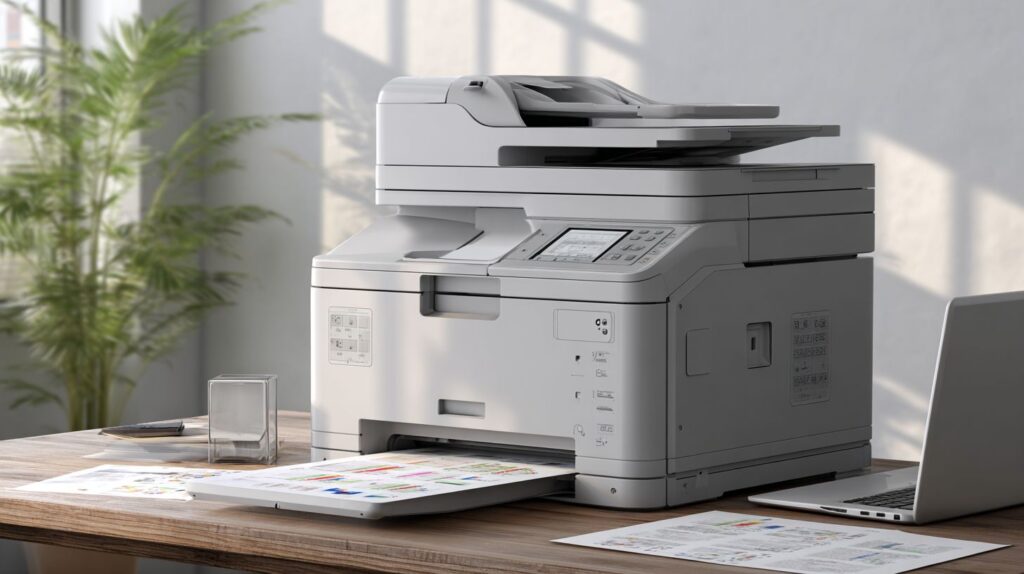
In 2025, the best printers, copiers & fax machines for home and office include the HP OfficeJet Pro 9025e for its all-in-one capabilities and fast printing speeds, the Brother MFC-J4335DW and MFC-J995DW for reliable faxing and copying in small offices, and the Epson EcoTank ET-8550 for eco-friendly ink systems ideal for home creative projects. These models stand out for their efficiency, connectivity, and cost-effectiveness.
How do I select the best printers, copiers & fax machines in 2025 for home and office based on needs?
To choose the best printers, copiers & fax machines in 2025 for home and office, consider your volume of use: opt for laser models like the Canon imageCLASS MF656Cdw for high-volume office copying, inkjet all-in-ones like the Canon Pixma TR8620 for home faxing and scanning, and evaluate features such as wireless connectivity, mobile printing, and energy efficiency to match your specific requirements.
What features define the best printers, copiers & fax machines in 2025 for home and office productivity?
The best printers, copiers & fax machines in 2025 for home and office are defined by advanced features like AI-optimized print quality, seamless cloud integration for remote access, duplex printing to save paper, and built-in security for sensitive documents. Models such as the Xerox VersaLink C405 excel in office environments with robust copying speeds, while home users benefit from compact designs in the HP Envy 6455e.
Are there affordable options among the best printers, copiers & fax machines in 2025 for home and office?
Yes, affordable yet high-performing options in the best printers, copiers & fax machines in 2025 for home and office include the Brother HL-L2350DW laser printer under $150 for crisp black-and-white prints, the HP LaserJet Pro MFP M479fdw for budget office multifunction needs with fax capabilities, and the Epson Expression Home XP-4200 for home users seeking low-cost color copying without compromising quality.
How has technology evolved in the best printers, copiers & fax machines in 2025 for home and office?
Technology in the best printers, copiers & fax machines in 2025 for home and office has evolved with sustainable ink cartridges that last longer, enhanced voice-activated controls via smart assistants, 5G-enabled wireless printing for faster office workflows, and improved scanning resolution up to 1200 dpi. Innovations like the Ricoh IM C300F bring touchscreen interfaces and app integrations, making them versatile for both home creativity and professional demands.
What maintenance tips apply to the best printers, copiers & fax machines in 2025 for home and office?
For optimal performance with the best printers, copiers & fax machines in 2025 for home and office, regularly update firmware for security patches, clean printheads monthly to prevent clogs, use genuine supplies to avoid warranty issues, and monitor ink or toner levels via companion apps. In office settings, schedule professional servicing for heavy-use models like the Kyocera ECOSYS M6635cidn, while home users can benefit from auto-maintenance features in devices like the Dell Smart Multifunction Printer S2825cdn.