When it comes to creating an immersive visual experience, the selection of the appropriate projector and screen is paramount. Whether one is establishing a home theater, a conference room, or an outdoor movie night, it is essential to understand the critical factors involved. This guide aims to assist in selecting the ideal projector and screen, optimizing their setup for various lighting conditions, and calibrating the image to achieve the highest quality. Additionally, it will address common troubleshooting issues to ensure a seamless viewing experience. Prepare to transform your space into an engaging multimedia hub.
Table of Contents
Key Takeaways:
- Choose a projector and screen that are suitable for your space, taking into account factors such as room size, lighting, and usage.
- Proper placement and positioning of the projector is crucial for optimal viewing experience. Adjust the image settings and lighting according to the environment.
- Install the screen correctly, ensuring proper mounting and tension for a smooth and flat surface. Calibrate the projector and screen for best image quality and troubleshoot any common issues that may arise.
Choosing the Right Projector and Screen
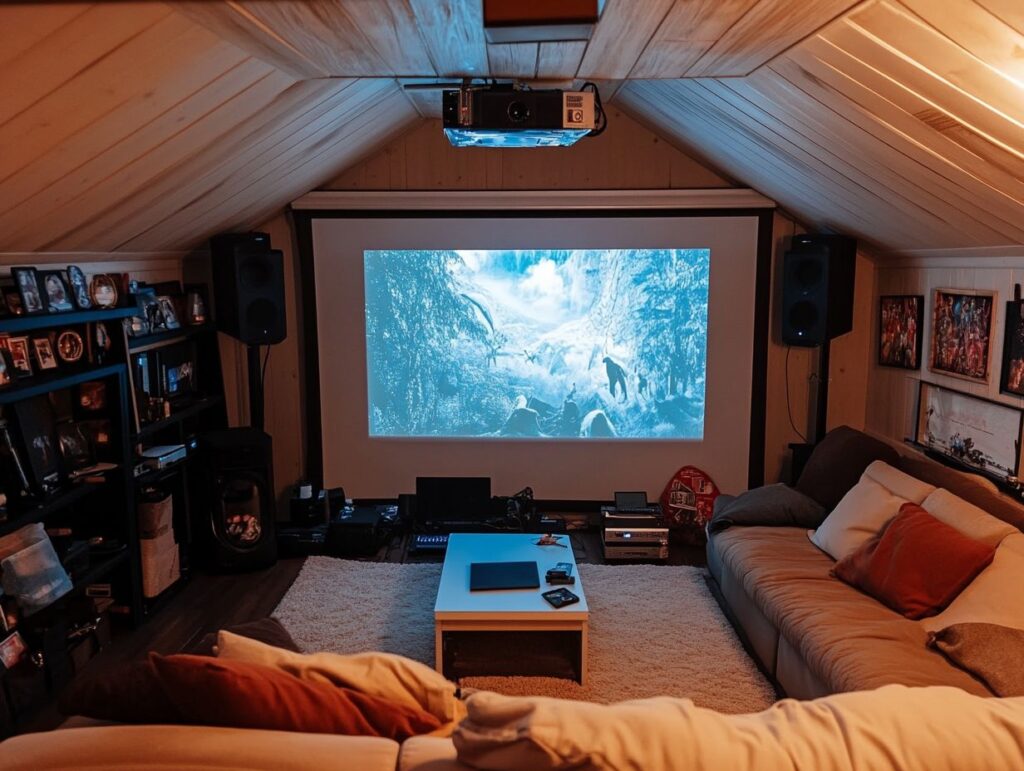
Selecting the appropriate projector and screen for a home theater is essential for achieving an optimal visual experience tailored to individual requirements.
This decision requires a comprehensive understanding of various factors, including image quality, resolution, brightness, and the specific capabilities of the projector that correspond with the intended usage. For a deeper understanding, you can explore options detailed in Best Buy’s Projector Buying Guide.
Furthermore, choosing the ideal screen size and type can significantly influence the overall viewing experience. Therefore, it is crucial to assess projector recommendations that effectively align with both the home theater environment and the broader living space.
Factors to Consider
When selecting a projector and screen, it is imperative to consider various factors to ensure an optimal viewing experience. These factors include throw distance, mounting location, light control, display mode, and the overall projection environment.
Each element plays a critical role in determining the functionality and effectiveness of the setup, ultimately impacting image quality and visual clarity.
Understanding throw distance is essential for achieving the desired image size without distortion, as it dictates the necessary distance between the projector and the screen. Similarly, the mounting location defines the projector’s angle, which can significantly influence picture alignment and focus. For context, an in-depth analysis by AVS Forum explores the relationship between brightness and throw distance.
Light control is another crucial factor, as it determines the performance of the projected image in various ambient light conditions. Additionally, adjusting display mode settings can optimize contrast and brightness, tailored to different environments, whether in a home theater or a conference room.
Finally, assessing the projection environment is vital, as factors such as wall colors and room dimensions contribute to maximizing the multimedia experience.
Setting Up the Projector
Properly setting up the projector is crucial to achieving the optimal visual experience in a home theater environment. Key factors, including installation height, projector mounting, and orientation, significantly influence the quality of the image output.
Additionally, features such as lens shift and keystone adjustment are essential for enhancing the projector’s performance and image quality. A comprehensive understanding of the setup process will enable one to enjoy a seamless viewing experience characterized by impressive image clarity.
Optimal Placement and Positioning
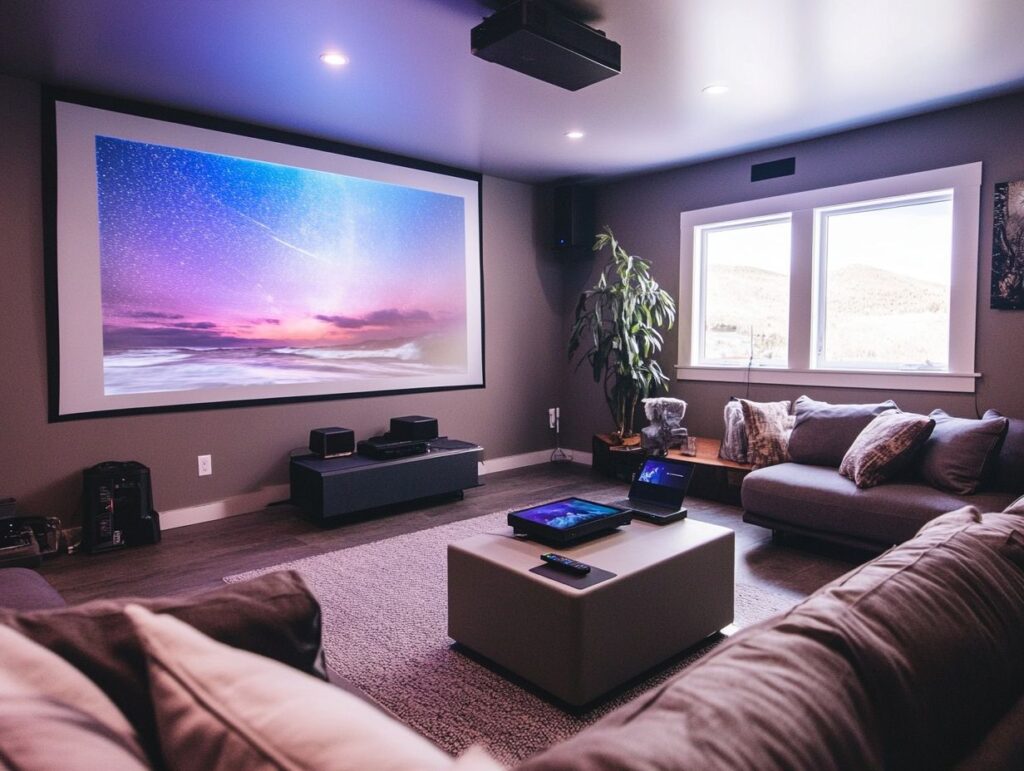
The optimal placement and positioning of a projector are essential for maximizing image quality and ensuring that the viewing distance corresponds with the recommended dimensions of the projector’s screen output. The throw ratio determines the necessary distance between the projector and the screen to achieve the desired viewing size, while proper installation can significantly enhance the overall visual experience.
Key factors such as ambient lighting, screen type, and room dimensions also play critical roles in optimizing projector performance. For example, a higher throw ratio indicates that the projector must be positioned further away, which may influence the overall layout of the room.
To determine the best installation practices, users are advised to measure the distance between the projector and the screen, taking into account both the throw ratio and the intended screen size.
Employing tools such as projector calculators can assist in achieving precise placement, thereby ensuring that the image quality remains sharp and the viewing angle is comfortable for all audience members.
Adjusting for Different Lighting Conditions
Adjusting projector settings according to varying lighting conditions is essential for maintaining optimal image quality and visual clarity. Ambient light can significantly influence the brightness and overall performance of the projector, thus making effective light control and appropriate projection settings crucial for achieving the best viewing experience, regardless of the room’s lighting dynamics.
In environments with high ambient light, such as well-lit conference rooms or living spaces during daylight hours, it is necessary to enhance projector brightness or utilize screens with reflective properties. Implementing shades or curtains can substantially reduce glare, thereby allowing for deeper contrasts and more vivid colors. For those seeking deeper insights into how ambient light affects projector performance, AVS Forum offers a detailed discussion on Ambient Light vs Projector Brightness (recommended reading).
Conversely, in dimly lit spaces, users should focus on optimizing color settings and reducing brightness to minimize eye strain. Adjusting the contrast ratio can also result in a noticeable improvement in clarity.
Therefore, by diligently observing and adapting to the surrounding light conditions, users can fully unlock the potential of their projector, ensuring an enjoyable visual experience.
Installing the Screen
The installation of the projector screen is a crucial step in establishing a fully functional home theater setup.
The choice of screen—be it a fast-fold screen, tripod projector screen, or inflatable screen—will significantly impact the quality of the visual experience.
Proper mounting and tensioning of the screen are essential for preserving its shape and ensuring it provides high-quality images without distortion, ultimately enhancing the overall viewing experience.
Types of Screens and Their Uses
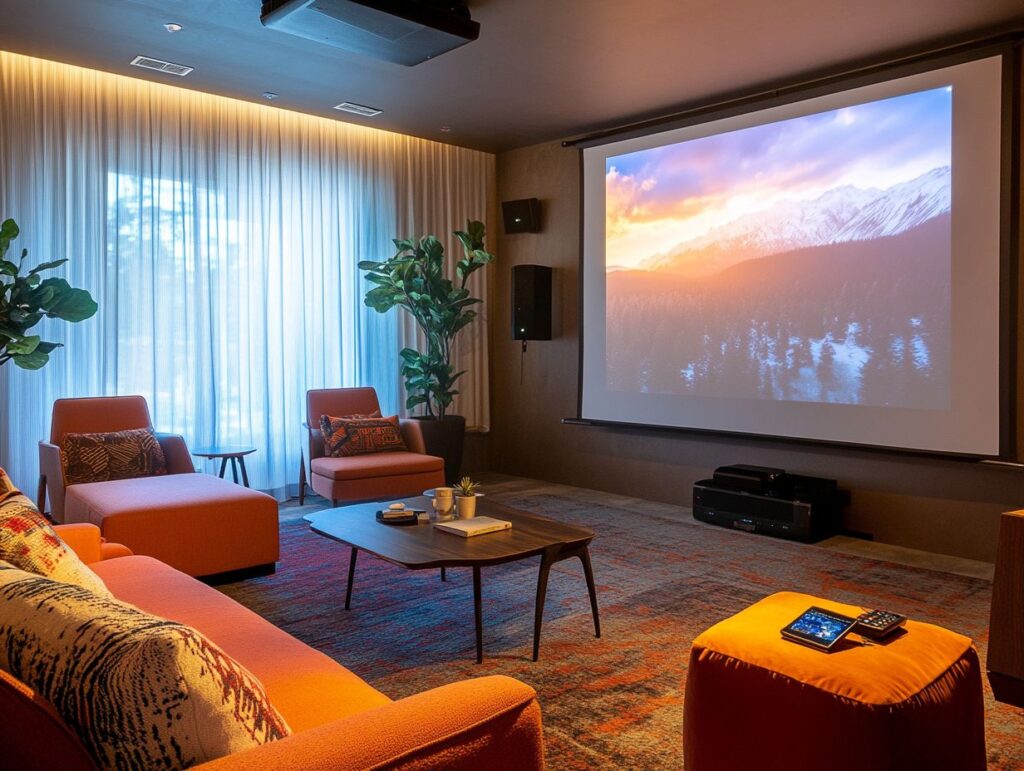
There are several types of projector screens available, each specifically designed for various applications and environments, including fast-fold screens, tripod projector screens, and inflatable screens. Selecting the appropriate type can significantly enhance the quality of projected images and the overall viewer experience in home theaters as well as in more casual settings.
It is essential to understand the unique characteristics of each screen type. For example, fast-fold screens are particularly suitable for quick setups during outdoor movie nights or corporate presentations, offering both portability and convenience.
Tripod projector screens provide ease of adjustability, making them ideal for presentations in diverse locations. Conversely, inflatable screens offer an expansive viewing surface, making them perfect for outdoor gatherings or events.
Each type of projector screen influences light reflection and clarity, impacting the appearance of the image under varying lighting conditions. The selection of a projector screen is pivotal in enhancing any visual event, ensuring that the content effectively captures the audience’s attention.
Proper Mounting and Tensioning
Proper mounting and tensioning of a projector screen are essential to ensure that it remains taut and free from wrinkles, as these imperfections can significantly impact the quality of the projected image. Effective screen installation necessitates meticulous attention to the mounting location and the application of tension, both of which play a critical role in the projector’s overall performance and the viewer’s visual experience.
To achieve optimal results, it is imperative to consider the environment in which the screen will be installed. Users should select a flat and stable surface, ensuring that the mounting brackets are securely fastened.
Employing tensioning systems that allow for adjustments is advisable, as this can help maintain the screen’s flatness over time, thereby countering any natural sagging. Proper alignment with the projector is also crucial, as misalignment can result in distorted images.
Regular maintenance checks are recommended to ensure that the screen remains in excellent condition, facilitating a crisp and clear display that maximizes the capabilities of the projector.
Calibrating the Projector and Screen
Calibrating both the projector and screen is essential for achieving optimal image quality and maximizing the visual experience.
This process entails adjusting various image settings, ensuring proper alignment and focus, and employing advanced features such as digital keystoning to enhance image clarity and overall performance, thereby facilitating an immersive viewing experience.
Adjusting Image Settings for Best Quality
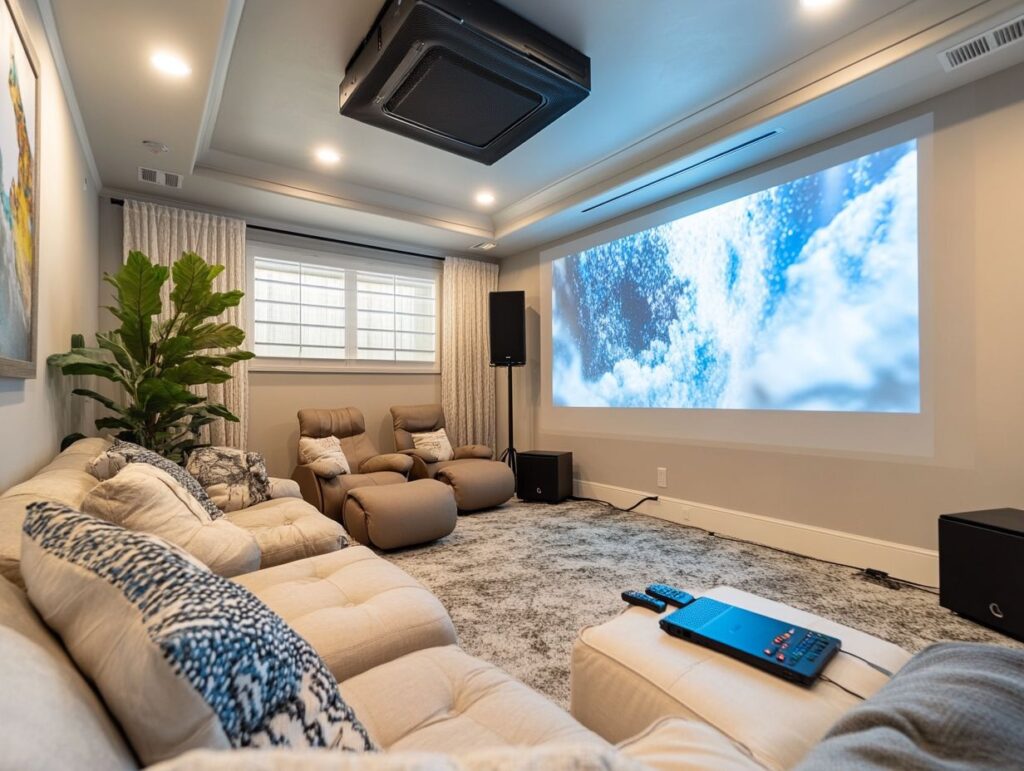
Adjusting image settings is essential for achieving optimal quality output from your projector. This process includes optimizing brightness, resolution, and selecting the appropriate display mode. By meticulously fine-tuning these parameters according to specific viewing conditions and personal preferences, one can significantly enhance the overall visual experience.
In particular, brightness levels are critical when projecting in well-lit environments, as increased brightness can effectively counteract ambient light and produce clearer images. Additionally, resolution plays a vital role; higher resolution ensures greater detail and sharper images, which is particularly important for large screens.
Various display modes, such as cinema or vivid, cater to different content types and viewing scenarios, enabling users to customize their settings to achieve the desired effect, whether watching movies, delivering presentations, or engaging in video gaming.
Each of these adjustments not only contributes to image clarity and vibrancy but also influences viewer comfort and engagement throughout the viewing experience.
Ensuring Proper Alignment and Focus
Ensuring proper alignment and focus is essential for enhancing the projector’s performance and achieving optimal visual clarity on the screen. Adjustments such as keystone correction can effectively eliminate distortion and maintain an accurate image shape, thereby maximizing the overall viewing experience.
When a projector is misaligned, images may appear skewed or stretched, which can significantly diminish viewer engagement and comprehension. Employing techniques such as lens shift and adjusting the projector’s height can effectively address these issues, ensuring that the projected image is as sharp and clear as possible.
Achieving the correct focus not only sharpens transient details but also enhances color richness, thereby making the presentation more enjoyable. By prioritizing these adjustments, users can cultivate an inviting atmosphere that captivates the audience, whether for educational purposes or entertainment.
Troubleshooting Common Issues
Addressing common issues related to projector performance is crucial for enhancing the viewing experience, particularly in relation to image distortion and quality concerns.
Familiarizing oneself with the projector manual can offer valuable insights into resolving technical difficulties and ensuring optimal functionality.
Fixing Image Distortion and Quality Problems
Addressing image distortion and quality issues is essential for providing an optimal visual experience, as these problems can significantly detract from the content being presented. Implementing correction techniques and utilizing specific features available on projectors can help mitigate these challenges, enabling high-quality projections.
A thorough understanding of common types of distortions, including keystone distortion and color distortion, is imperative for individuals utilizing projectors in various environments, whether for business presentations or home entertainment.
Keystone distortion commonly arises when the projector is misaligned, resulting in a trapezoidal image instead of a rectangular one. Fortunately, many modern projectors are equipped with features such as automatic keystone correction and lens shift adjustments, which can effectively resolve such issues.
Color accuracy may be compromised due to improper settings or low-quality source material; however, advanced projectors often offer calibration options that allow users to fine-tune color settings for optimal output.
By utilizing these tools, one can significantly enhance the viewing experience and ensure that the projected content engages the audience effectively.
Dealing with Technical Difficulties
Addressing technical difficulties is an unavoidable aspect of utilizing a projector; however, understanding how to troubleshoot these issues can facilitate effective solutions that restore the projector’s optimal performance. Consulting the projector manual can prove invaluable in identifying common problems and implementing suitable remedies.
Users may face a range of challenges, including:
- Connectivity issues
- Image clarity concerns
- Sound-related problems
For example, if a projector fails to establish a connection with a device, it is essential to verify the cable connections and input settings. Similarly, if the displayed image appears blurry or dim, adjusting the focus or brightness settings, as specified in the manual, can significantly improve visibility.
Sound-related issues, such as low volume or the absence of audio, may necessitate a review of the audio settings on both the projector and the connected device. Regular consultation of the manual not only enhances troubleshooting effectiveness but also emphasizes specific maintenance recommendations to extend the projector’s lifespan.